Superadmin can log in via the dashboard.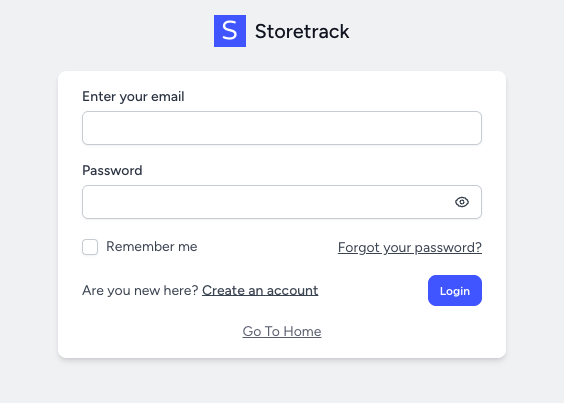
He will be redirected to the dashboard.
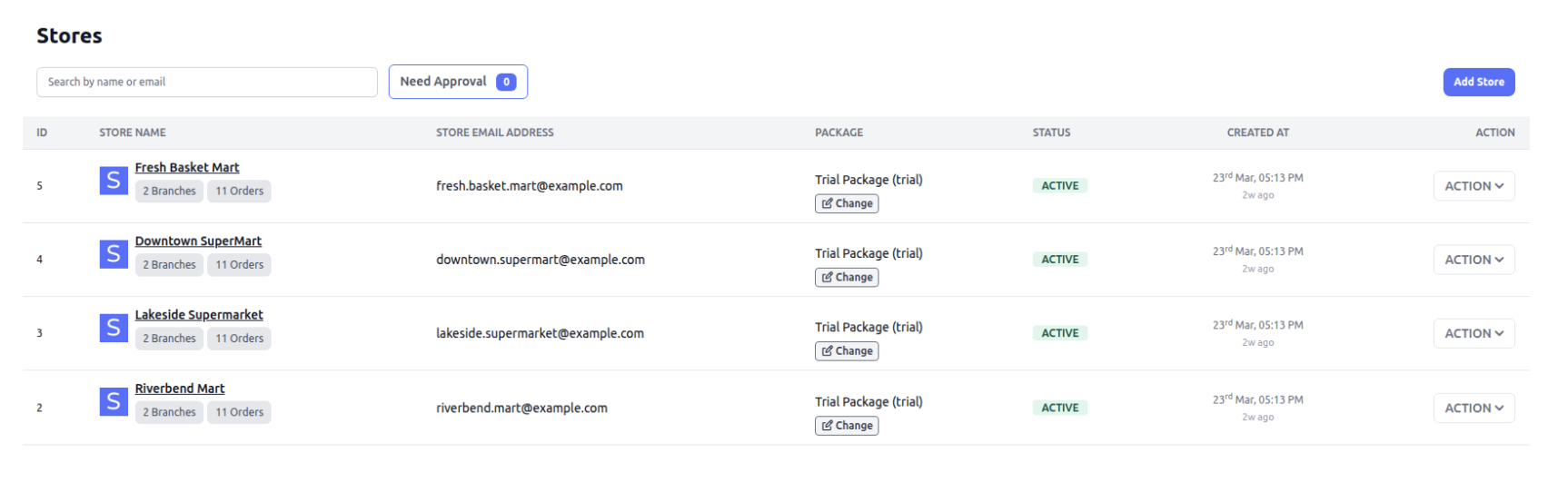
Stores
Create, edit, and manage all registered stores and their details.
Payments
Track all transactions, payment statuses, and revenue collection.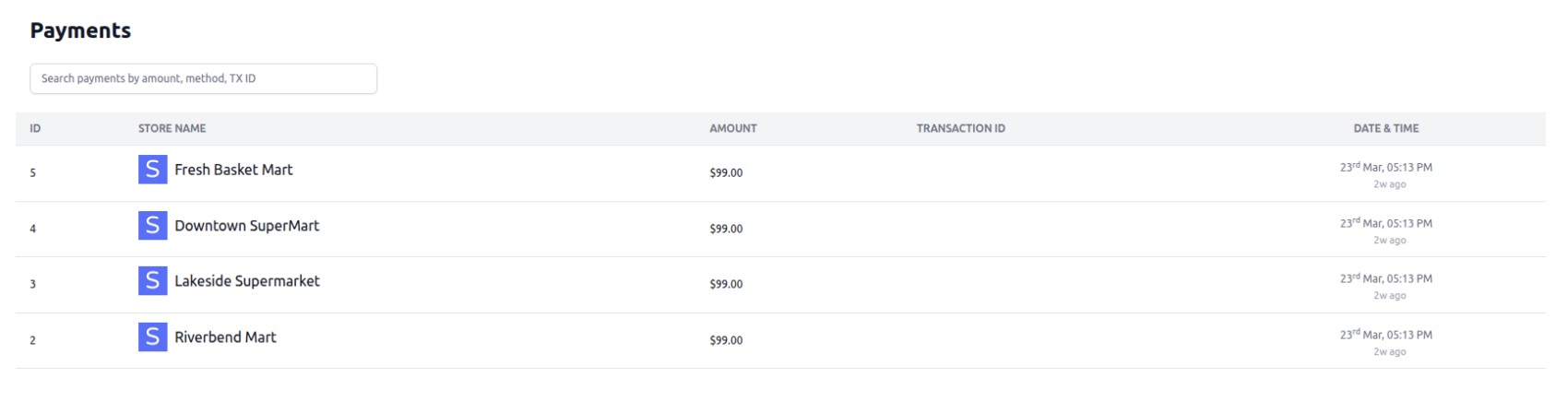
Packages
Create and manage subscription plans, pricing, and feature access.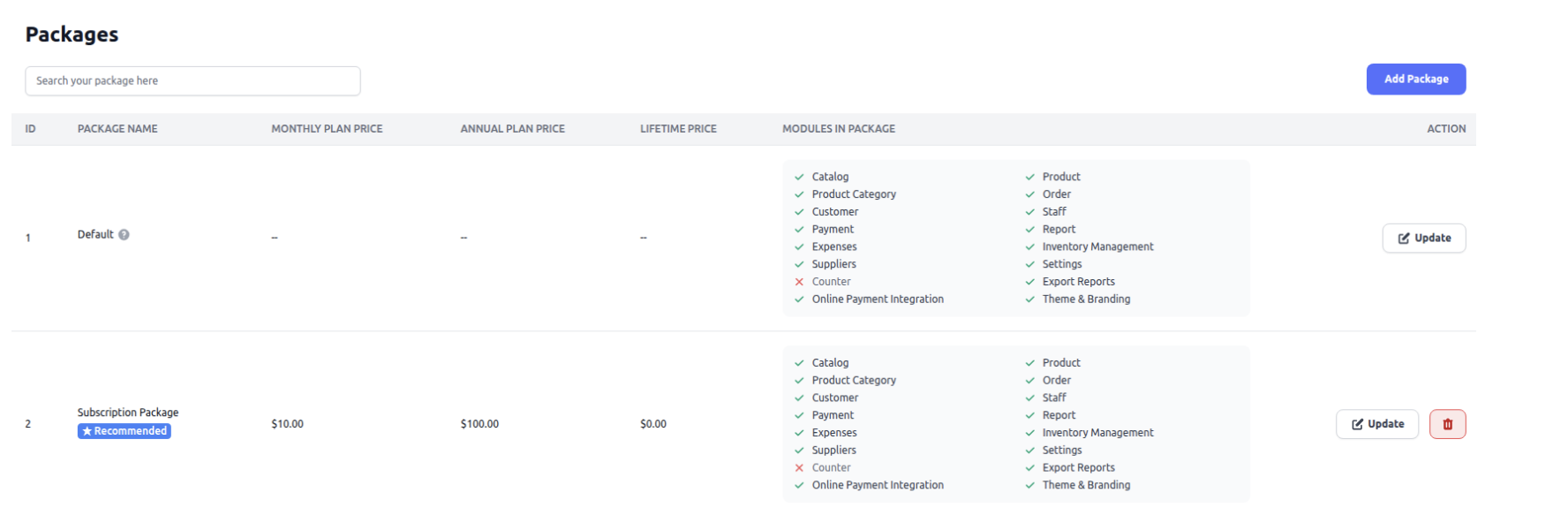
Billing
Handle invoices, subscriptions, renewals, and billing history.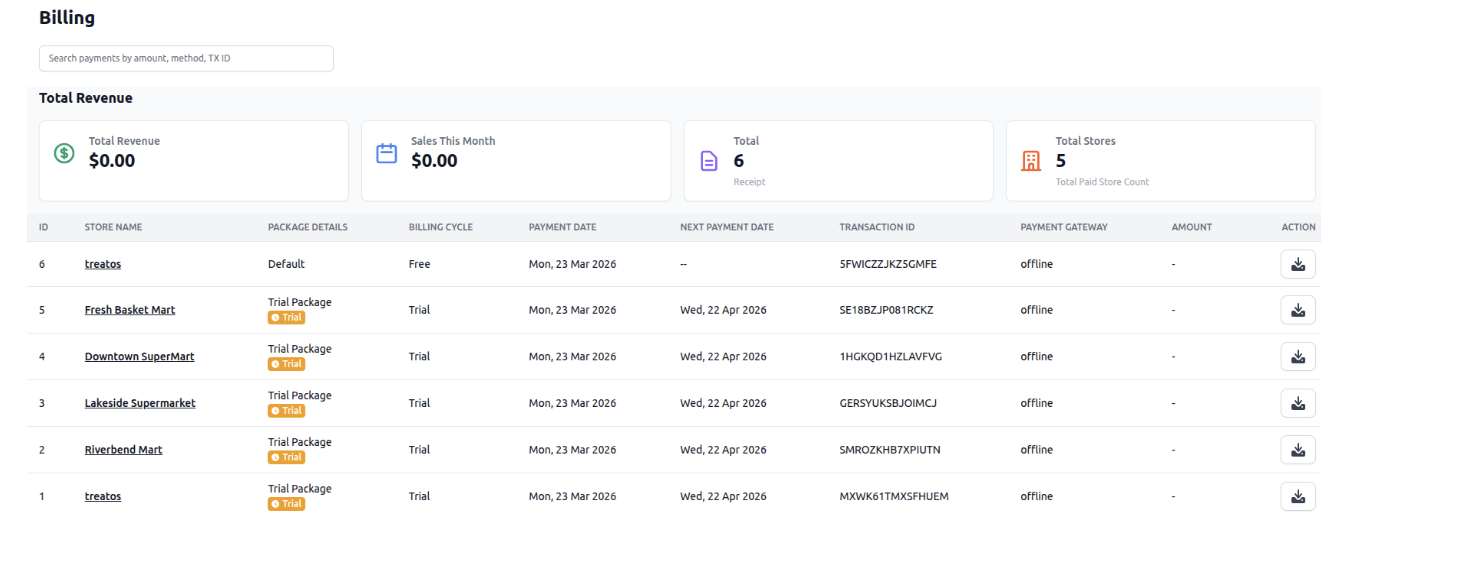
Offline Request
Manage requests for offline payments or manual subscription approvals.
SuperAdmin
Manage super admin users and roles.
Landing Site
Control content and settings of the marketing/landing website.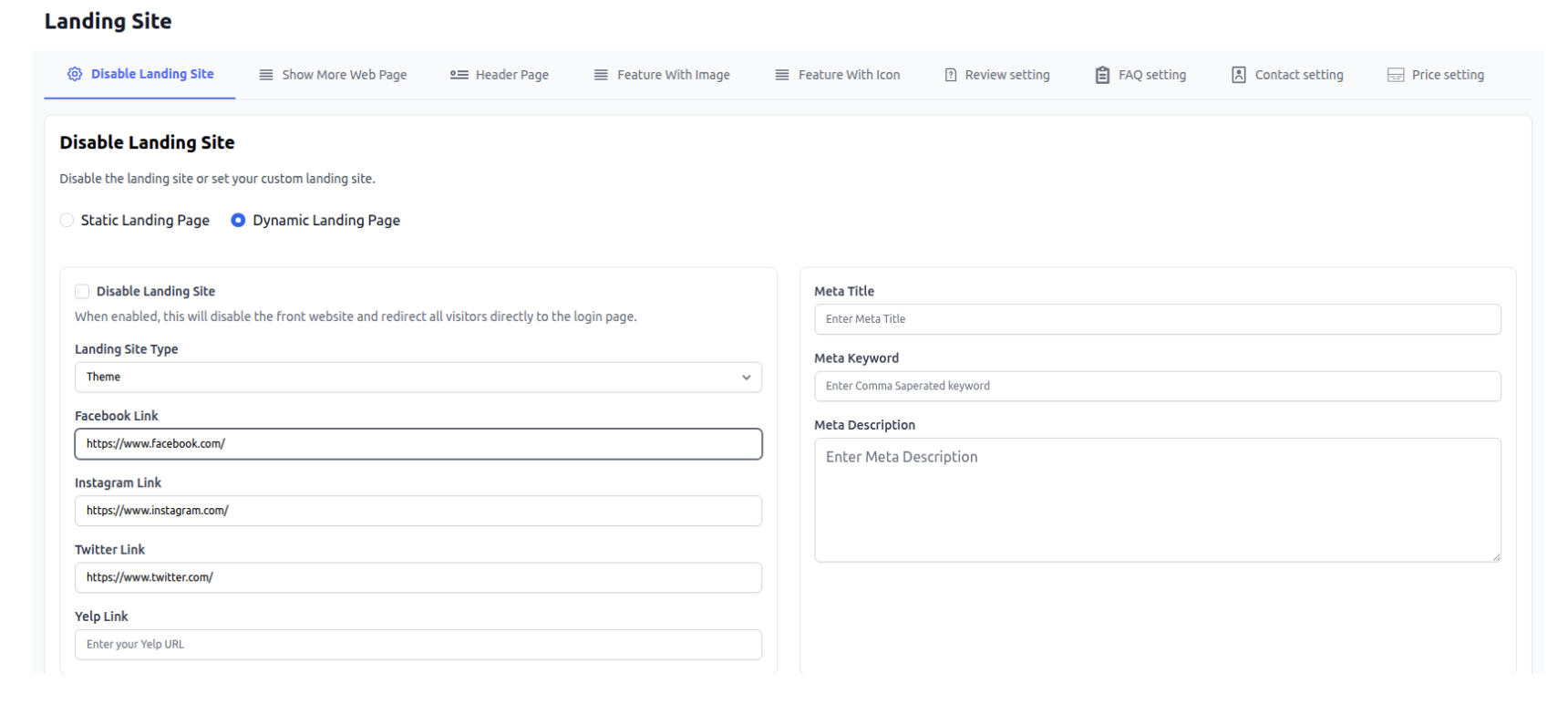
Settings
Configure global system settings like App settings, Email settings etc.
App
Manage app name, timezone, and basic configuration.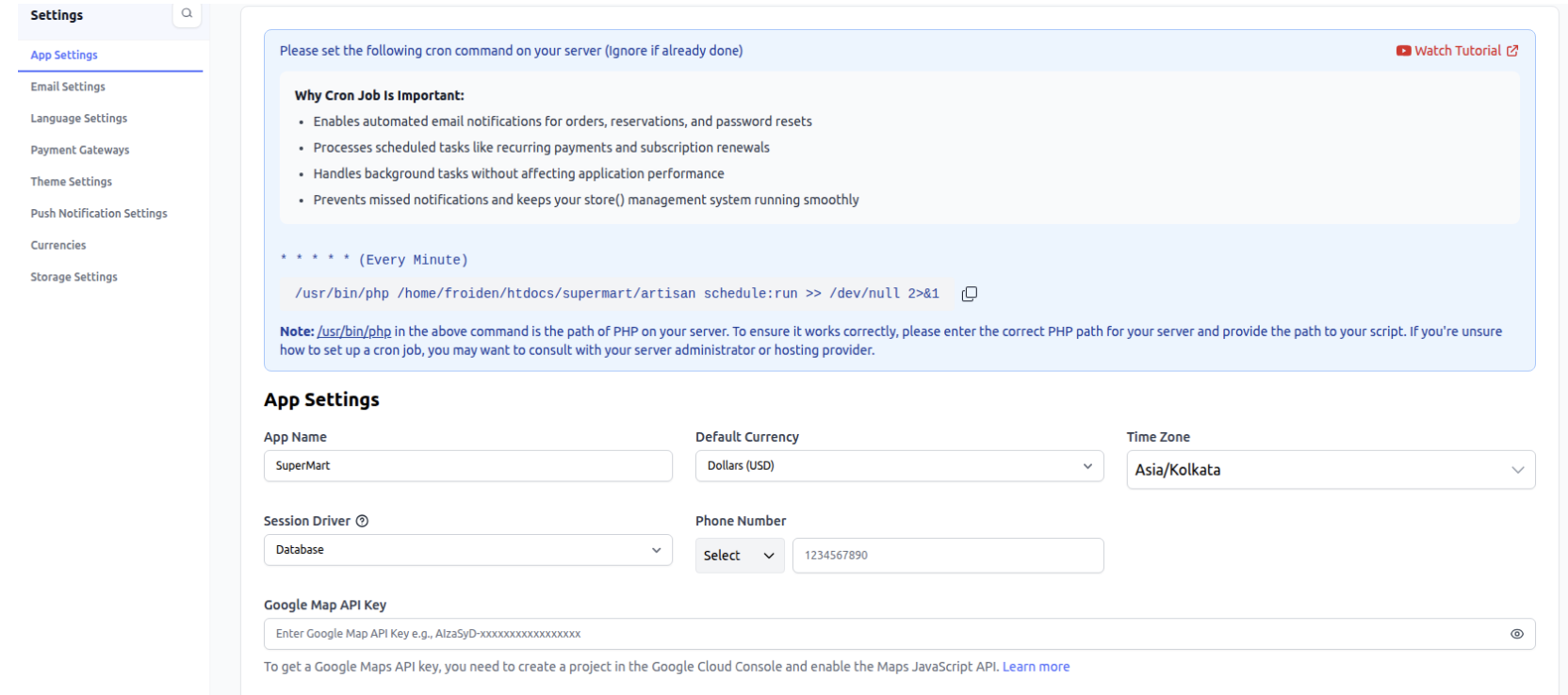
Email
Configure SMTP settings for sending emails.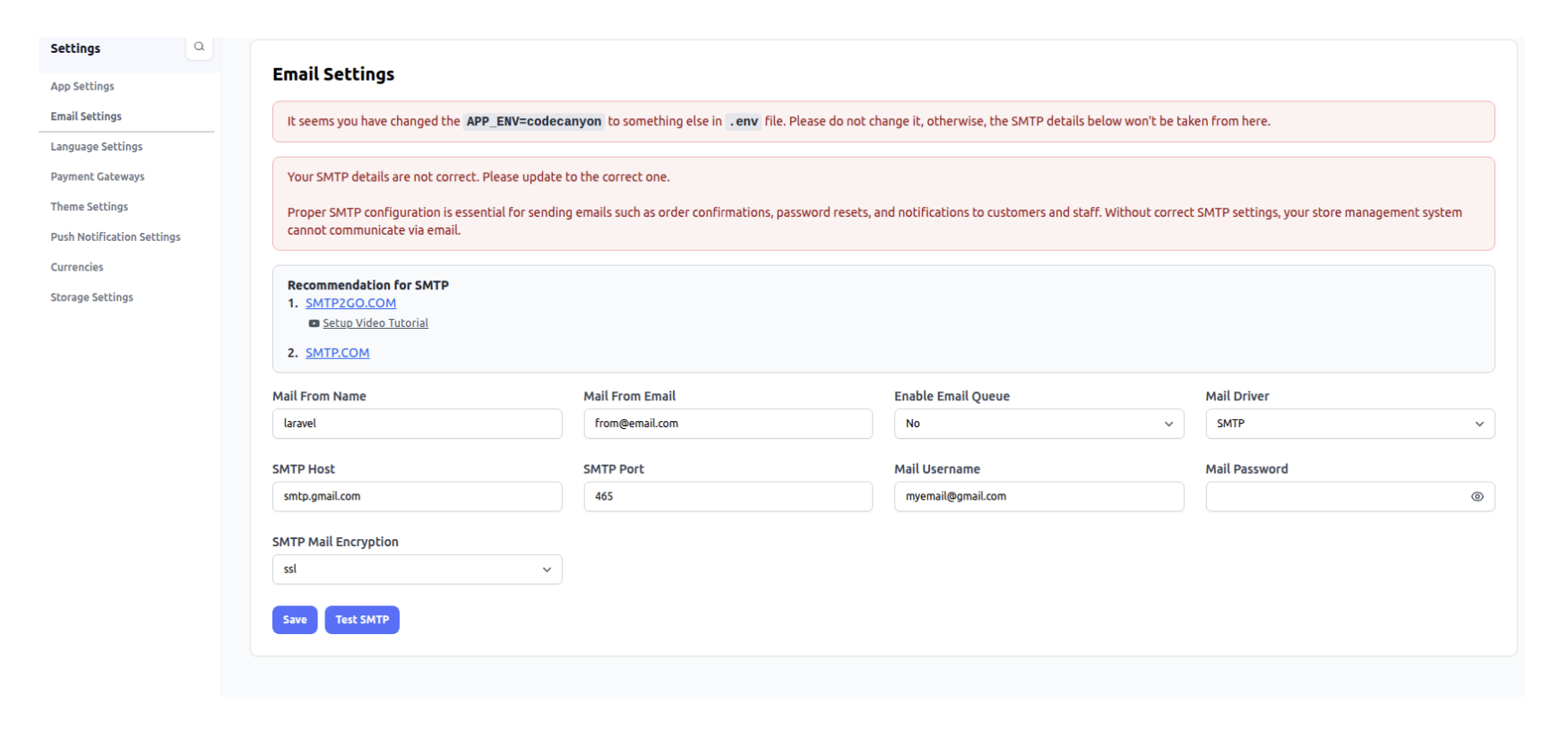
Language
Manage supported languages in the system.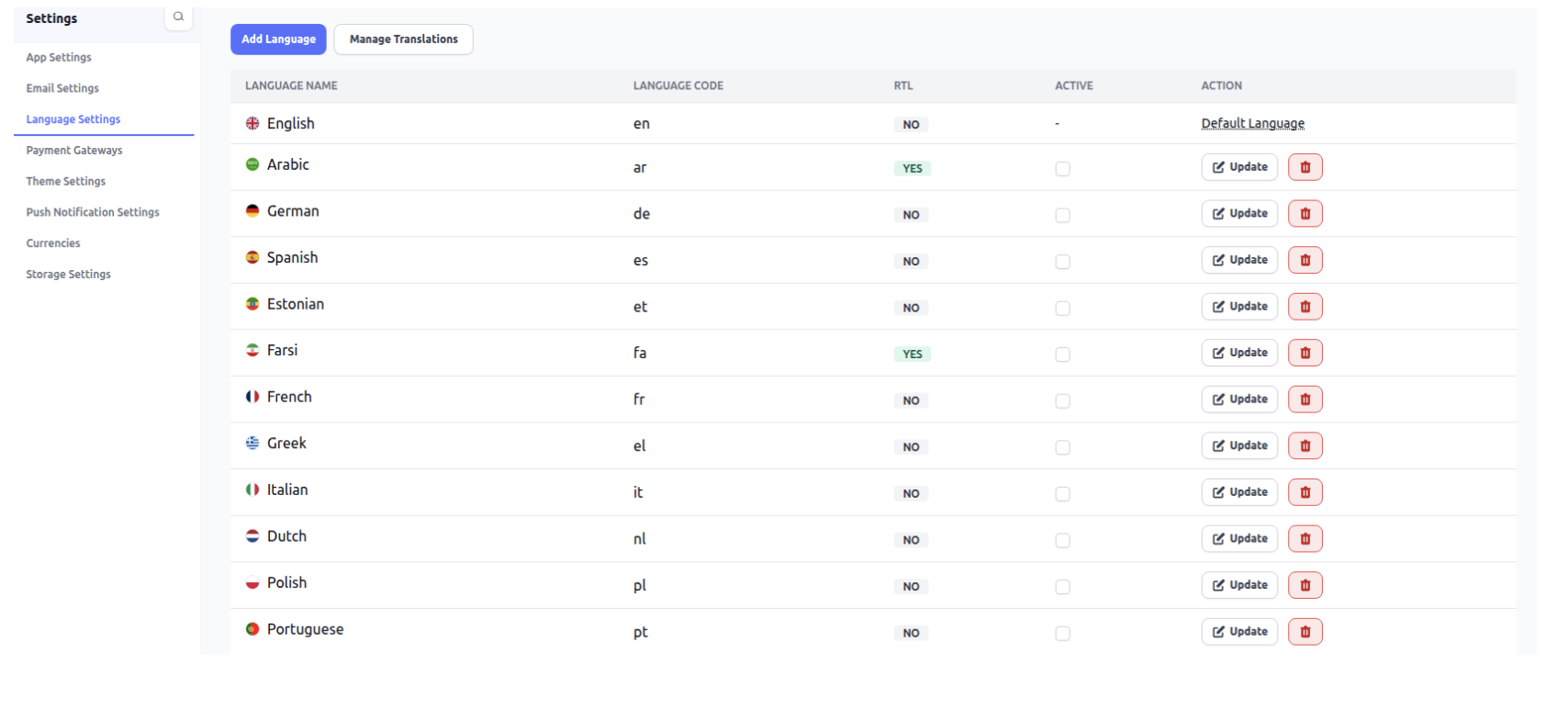
Payment Gateway
Set up and manage available payment gateways.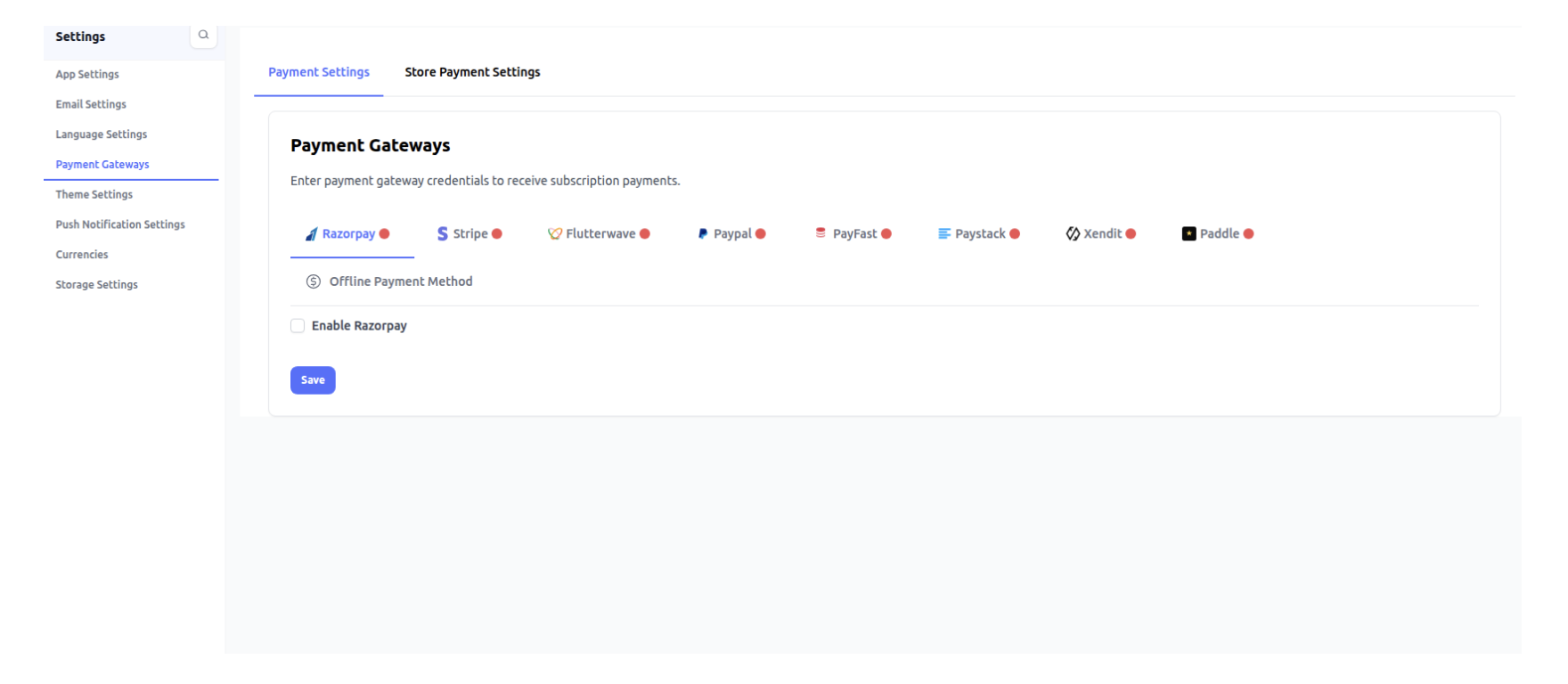
Theme
Control overall look and feel of the product.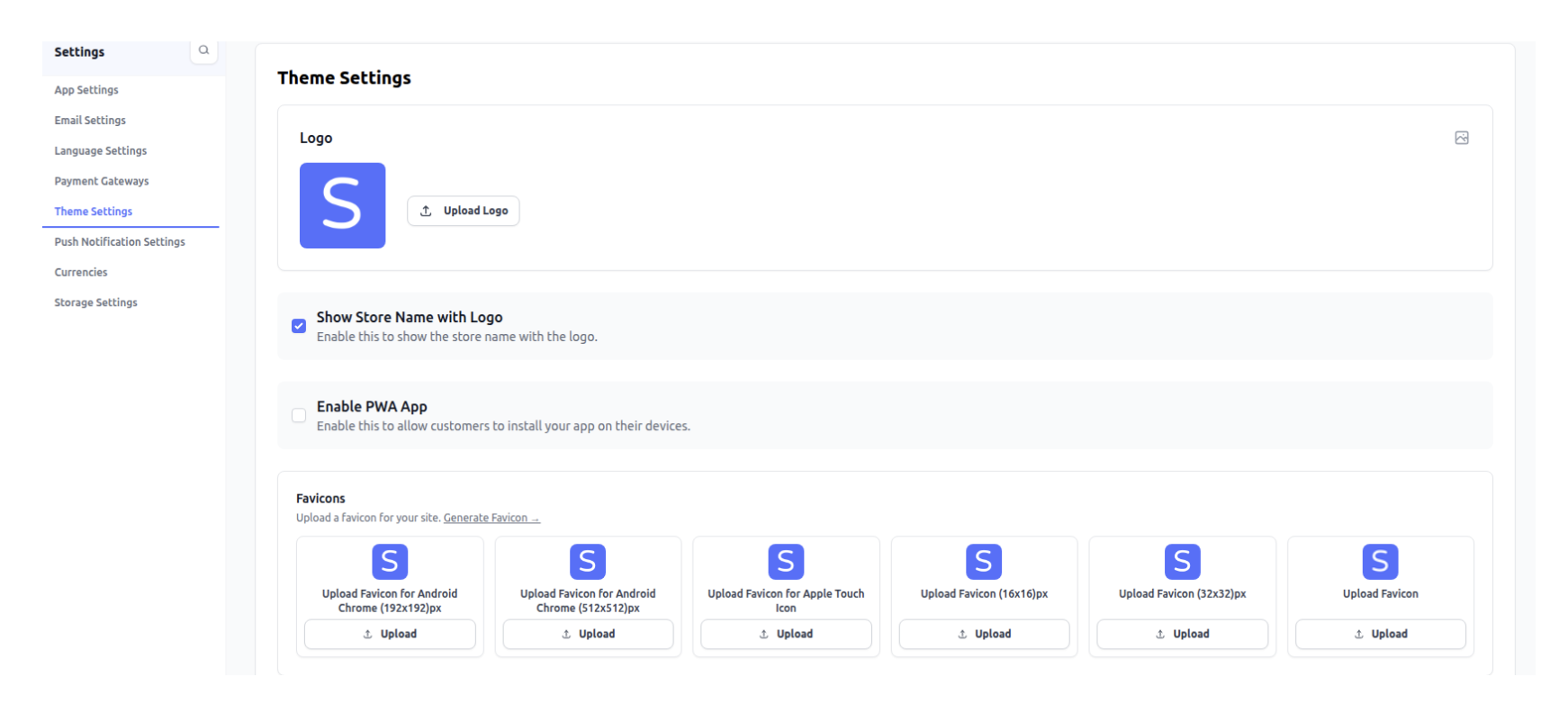
Push Notification
Configure pusher settings for real-time notifications.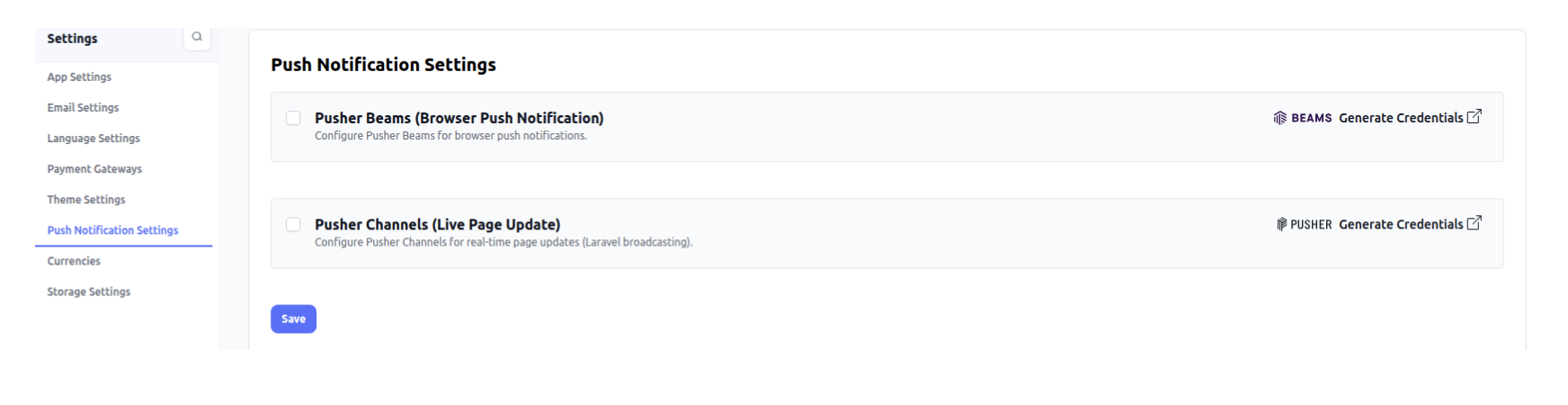
Currencies
Add and manage supported currencies.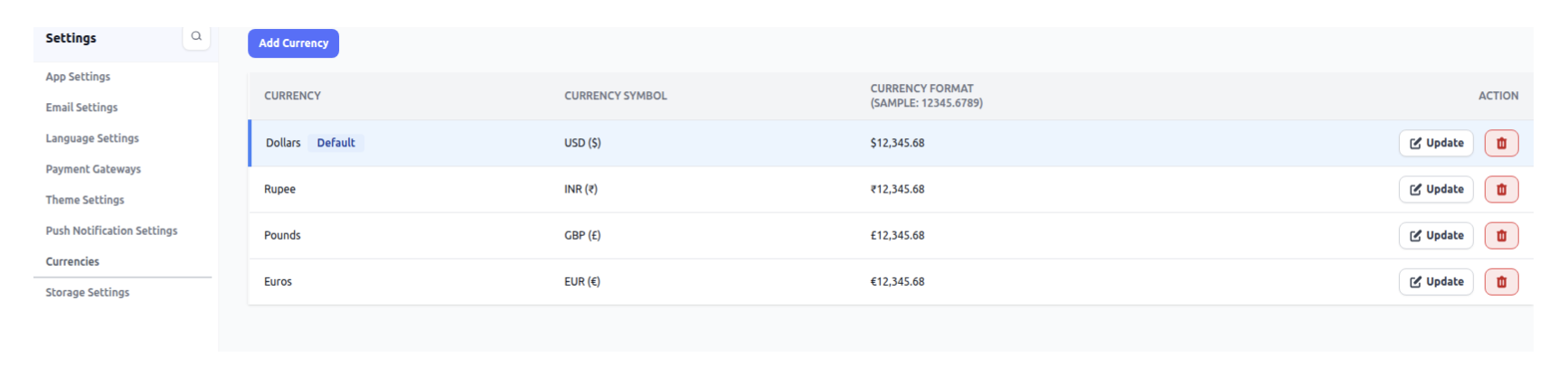
Storage Settings
Configure storage options like AWS, Local, or Wasabi.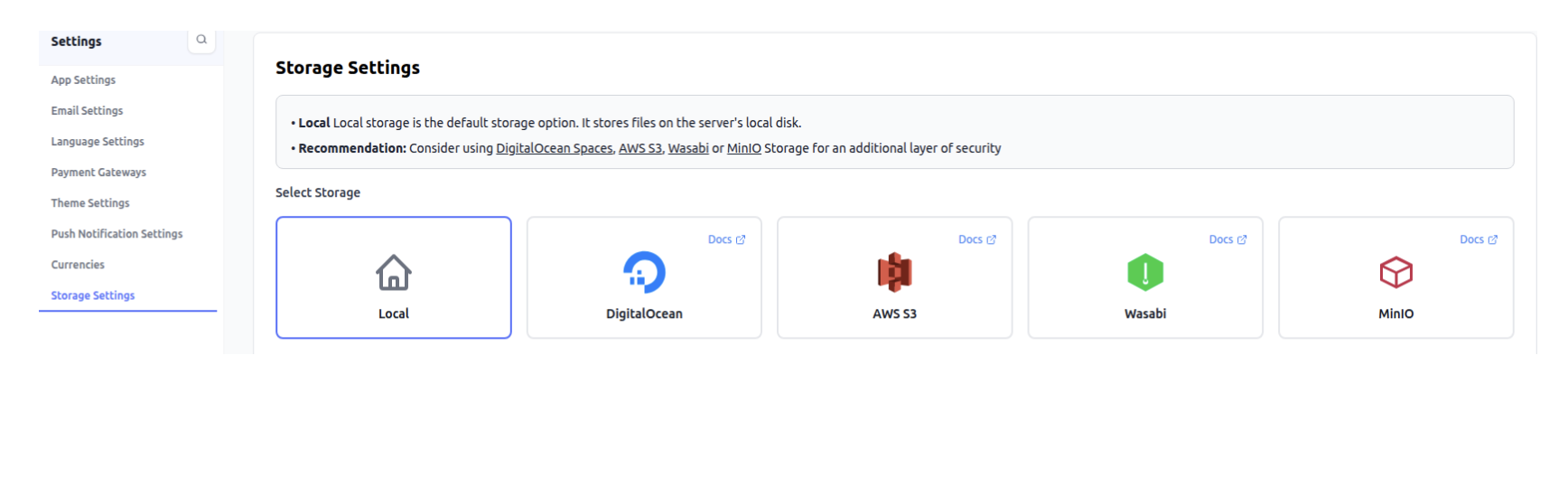
Was this article helpful?
That’s Great!
Thank you for your feedback
Sorry! We couldn't be helpful
Thank you for your feedback
Feedback sent
We appreciate your effort and will try to fix the article