Store Information
Manage store details like name, address, and contact information.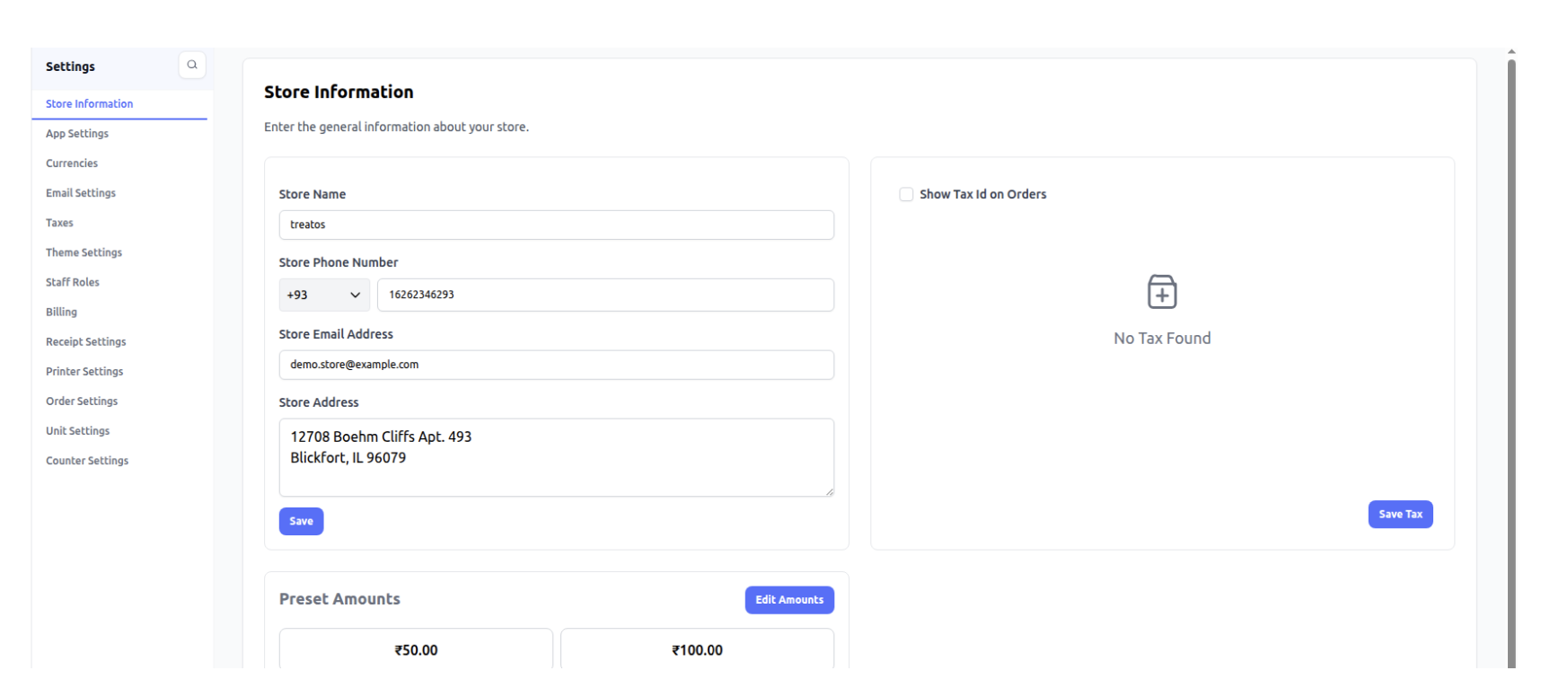
The preset amount is reflected here in the POS system.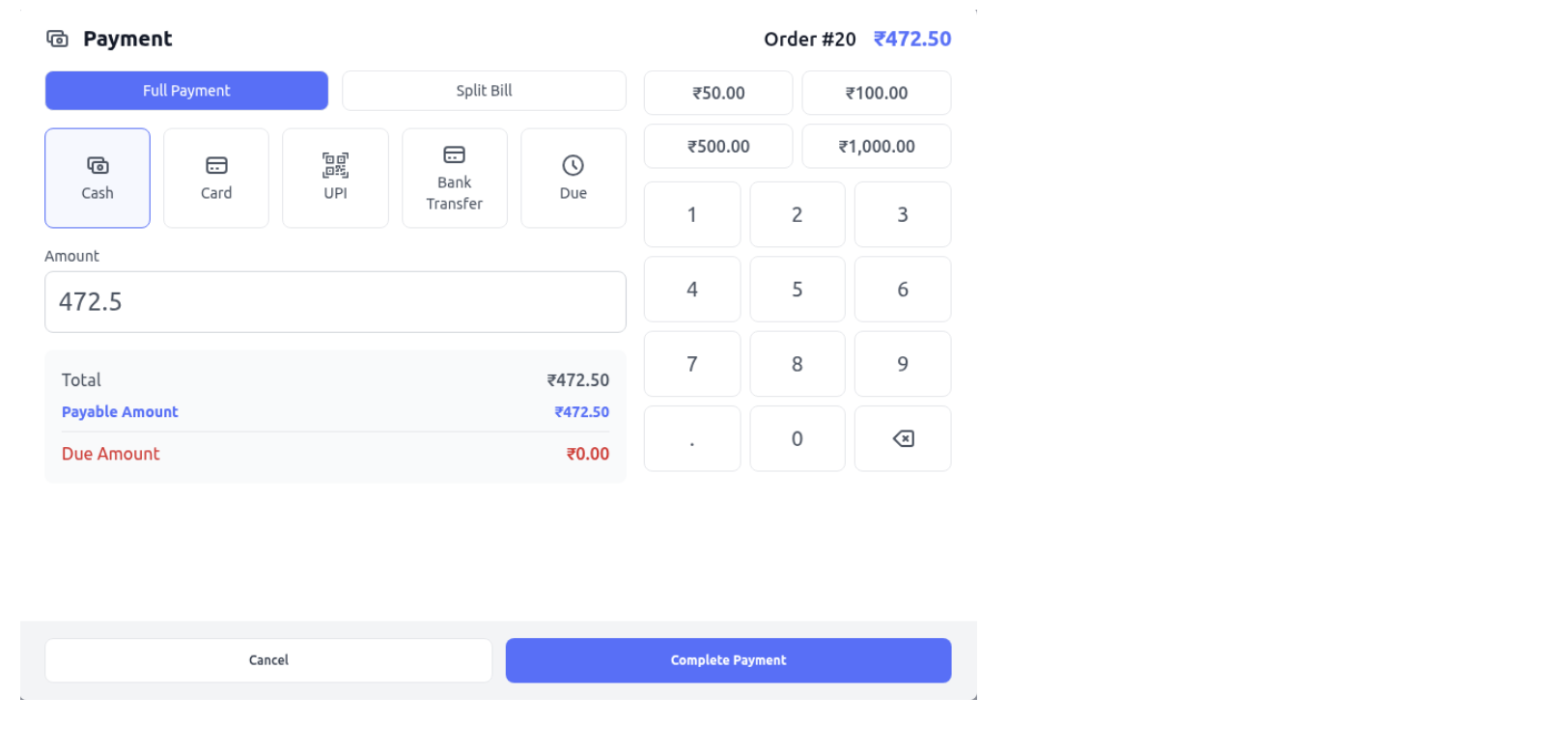
App Settings
Configure general app settings like timezone and default preferences.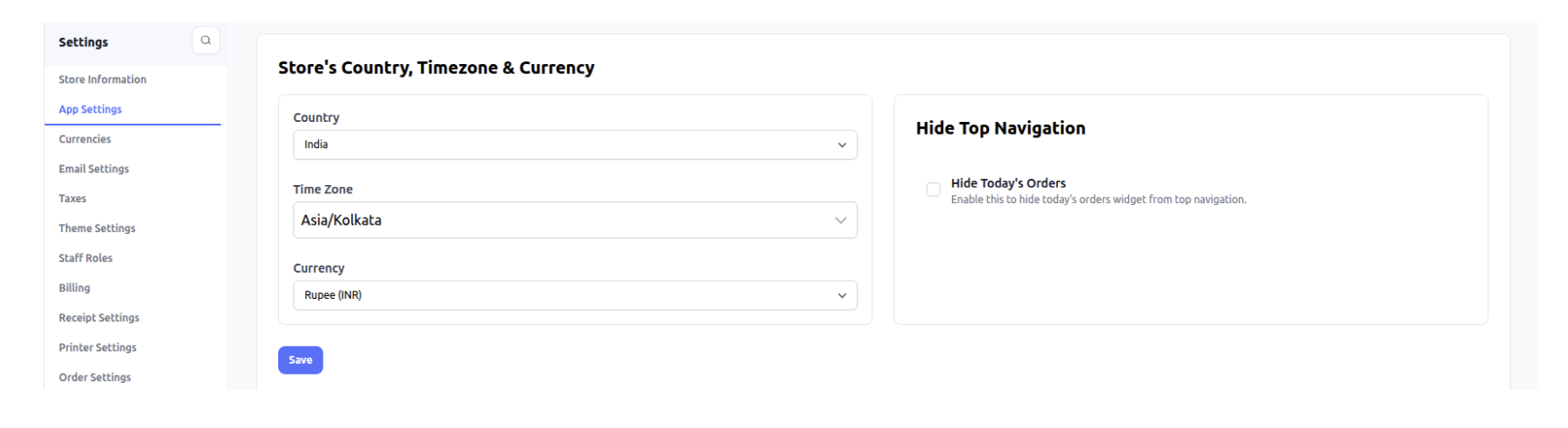
Currencies
Add and manage supported currencies.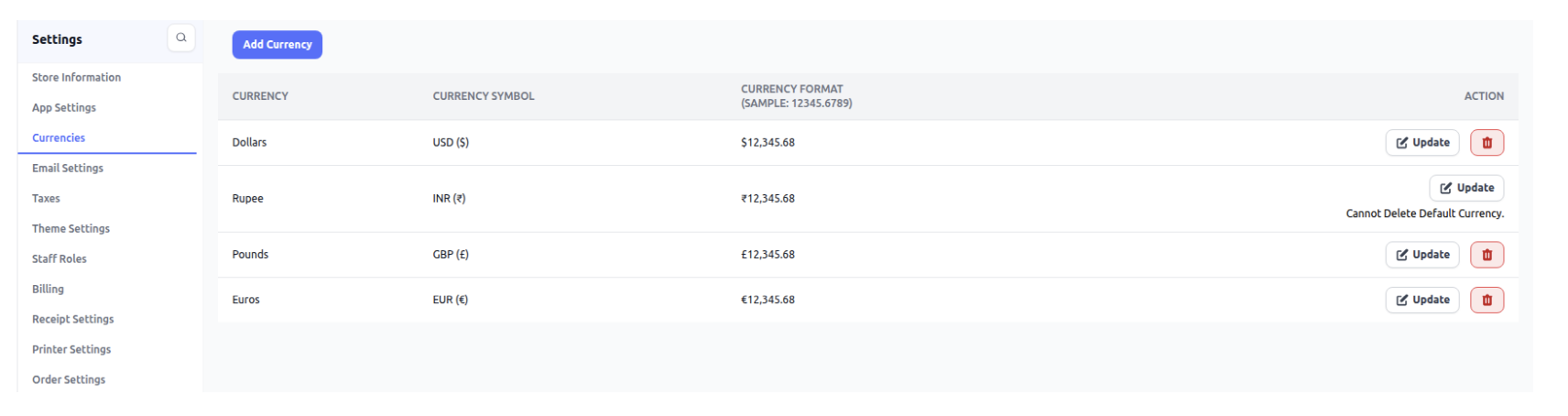
Email Settings
Notification triggers.
Taxes
Set up and manage tax rates for billing.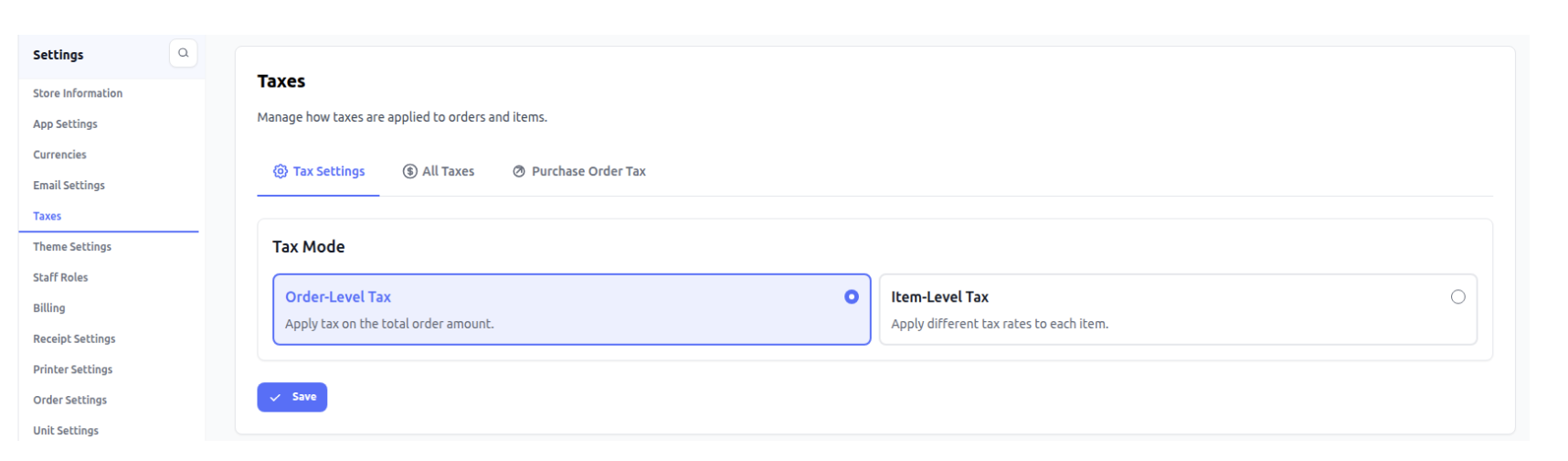
Theme Settings
Customize system appearance like logo and colors in admin panel only.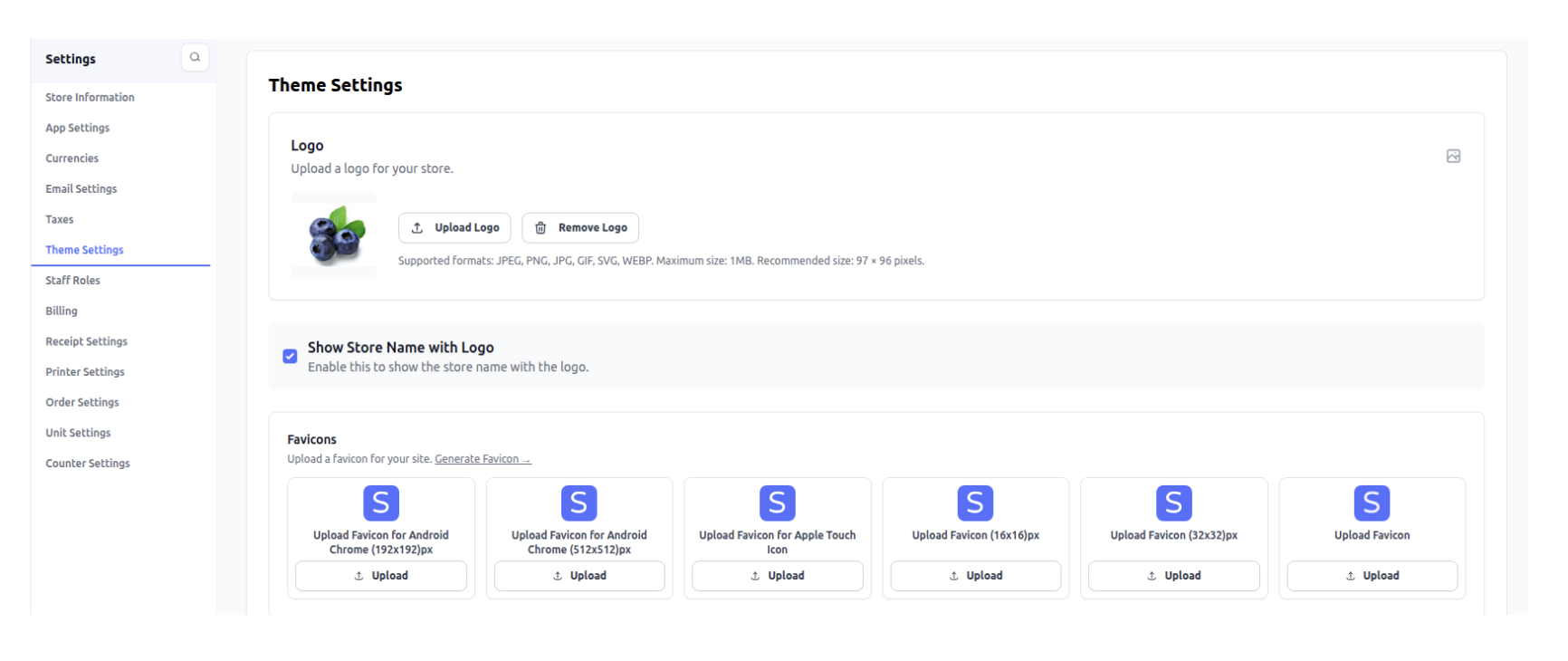
Staff Roles
Create and manage roles and permissions for staff.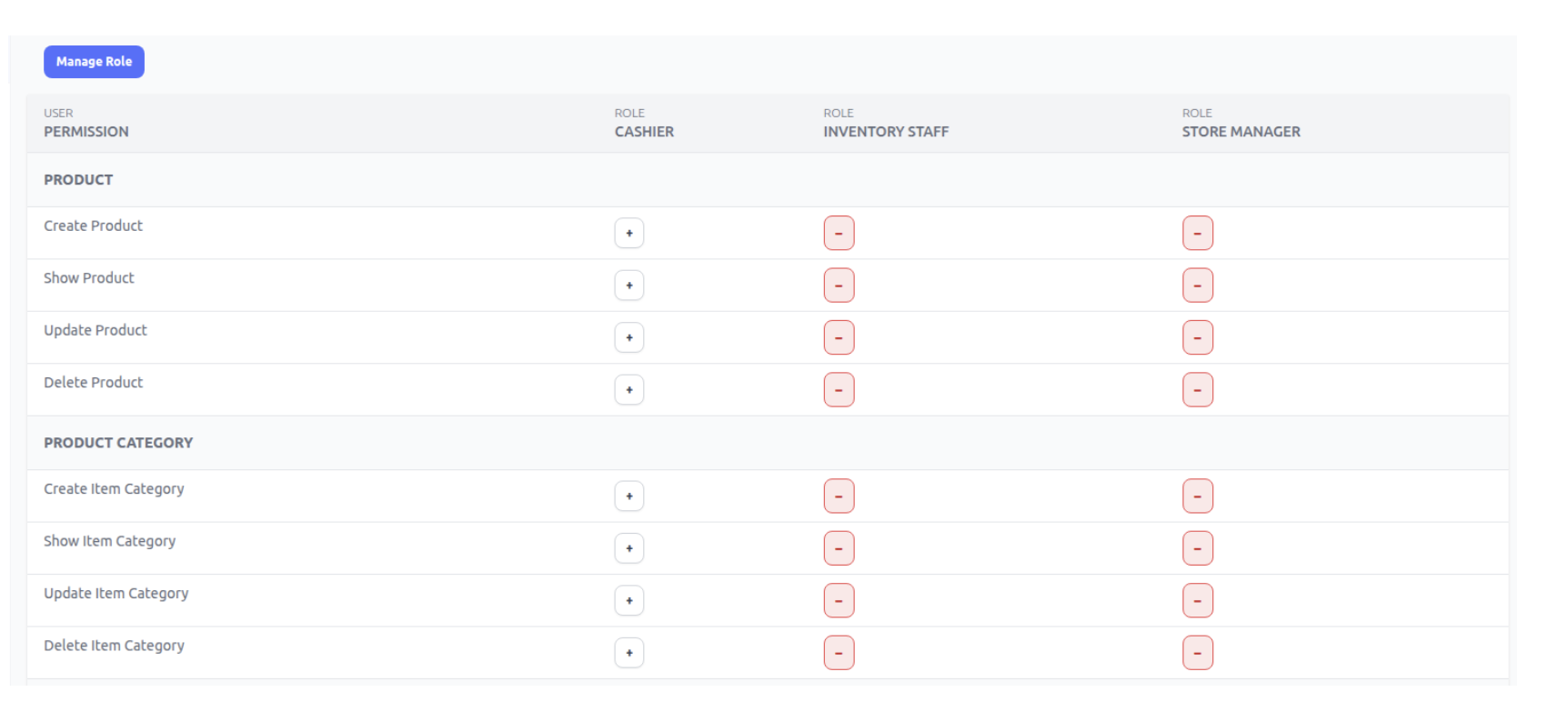
Billing
Manage subscription, and invoice.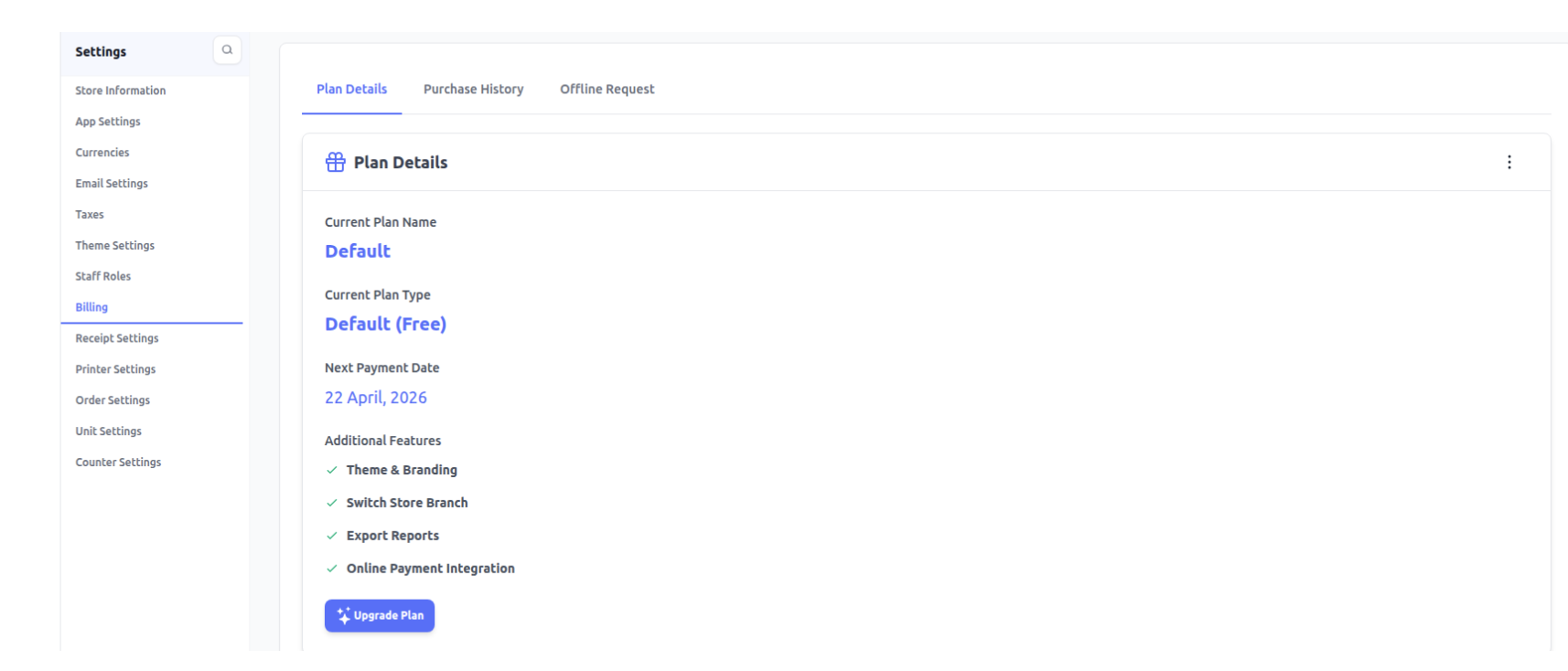
Receipt Settings
Customize receipt format and details.
Printer Settings
Configure printer setup for billing and receipts.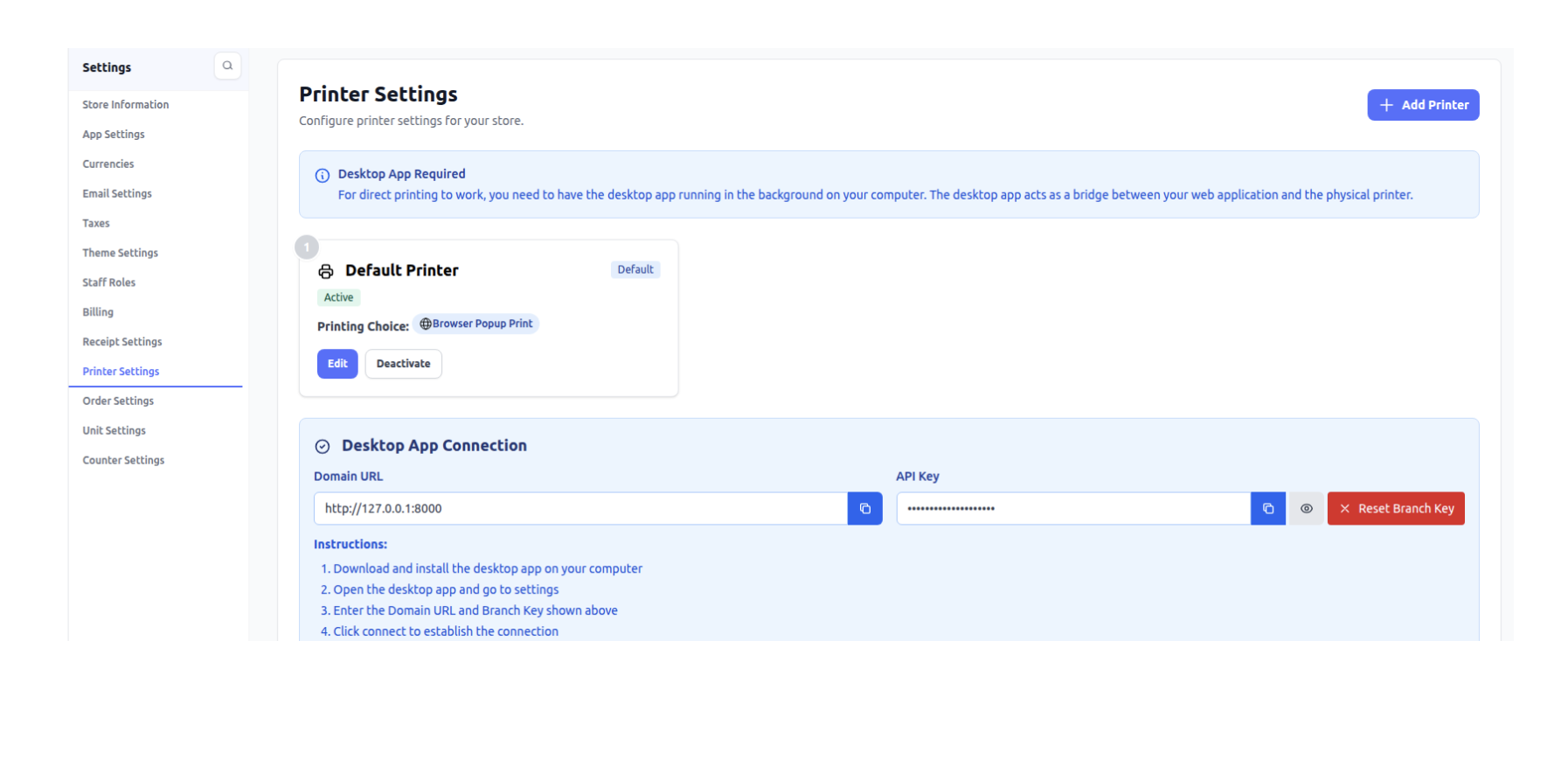
Order Settings
Manage order-related preferences and configurations.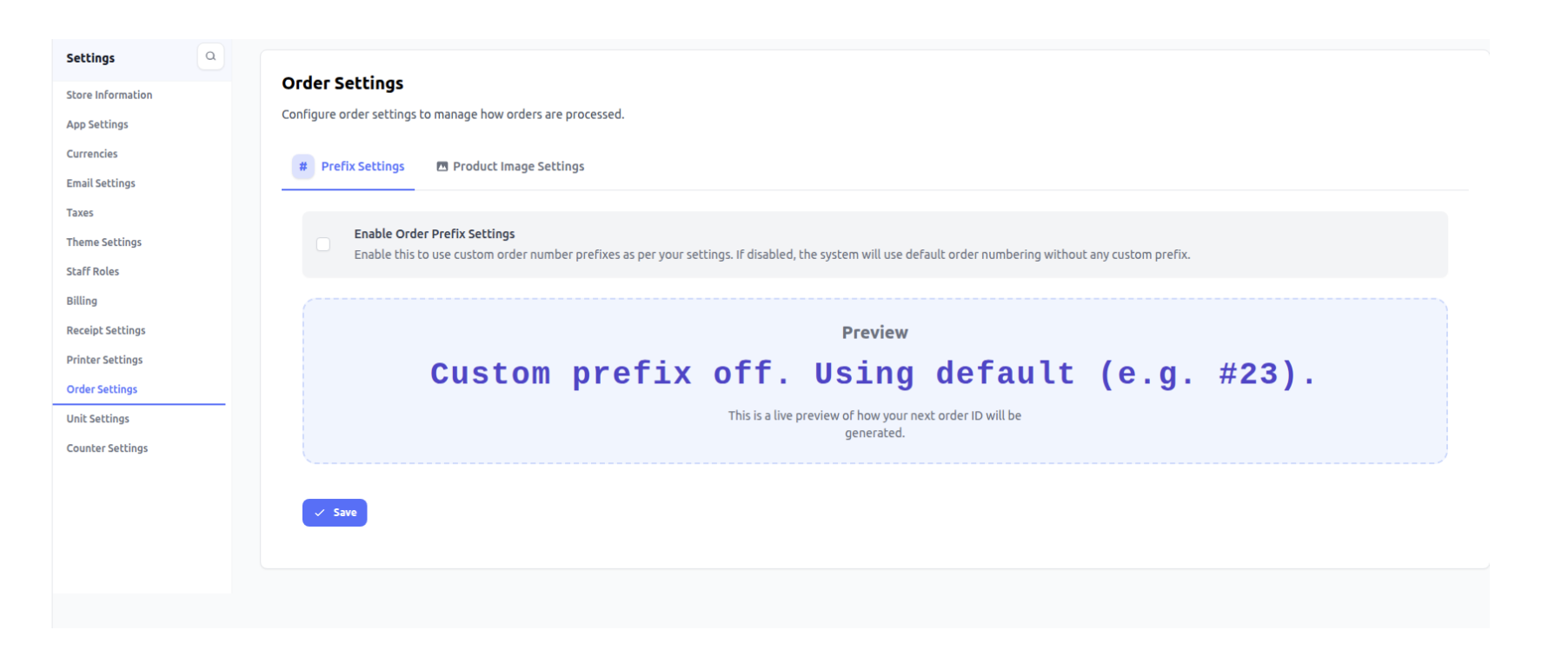
Unit Settings
Define units for products (kg, litre, piece, etc.).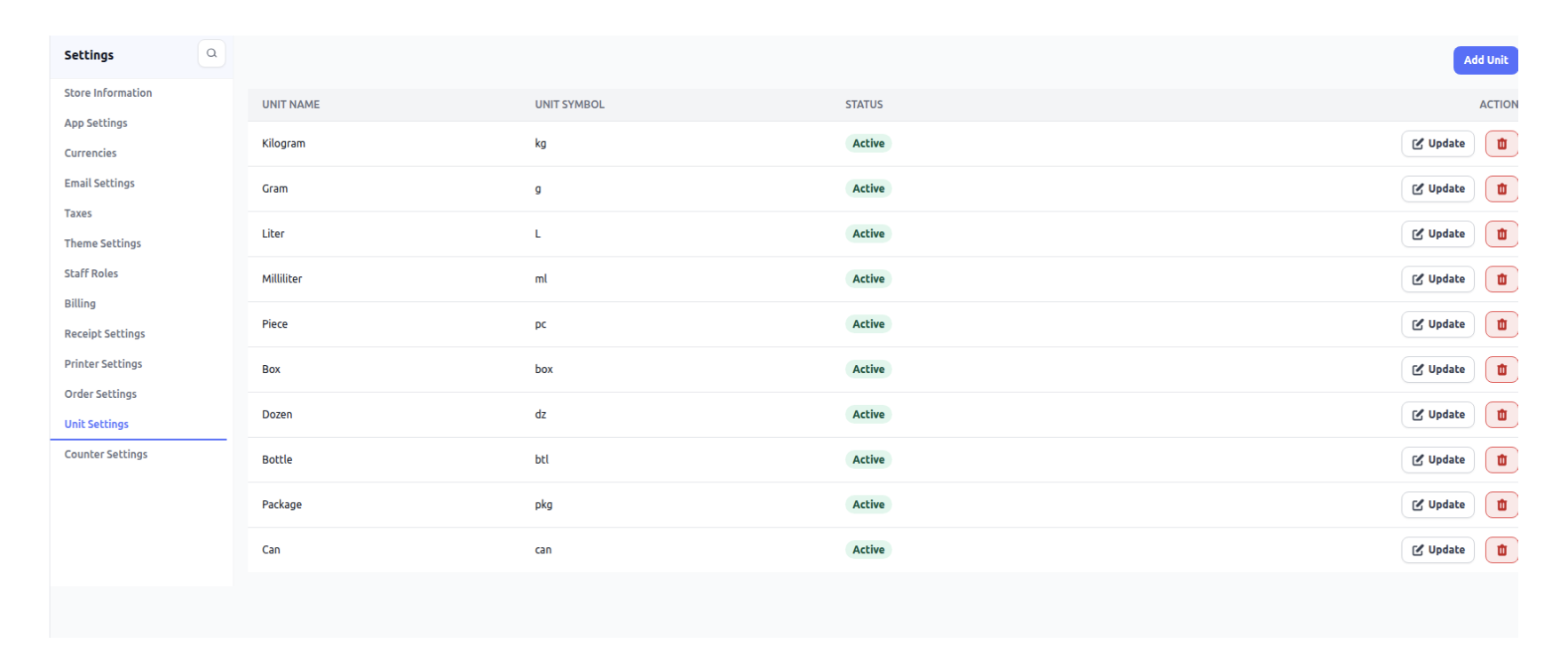
Counter Settings
Manage billing counters and their configurations.
Counter Selection
When a cashier logs in, they must select the counter from which they will perform billing.
Counter Settings
All counters are created and managed from Counter Settings, including configuration and
assignment.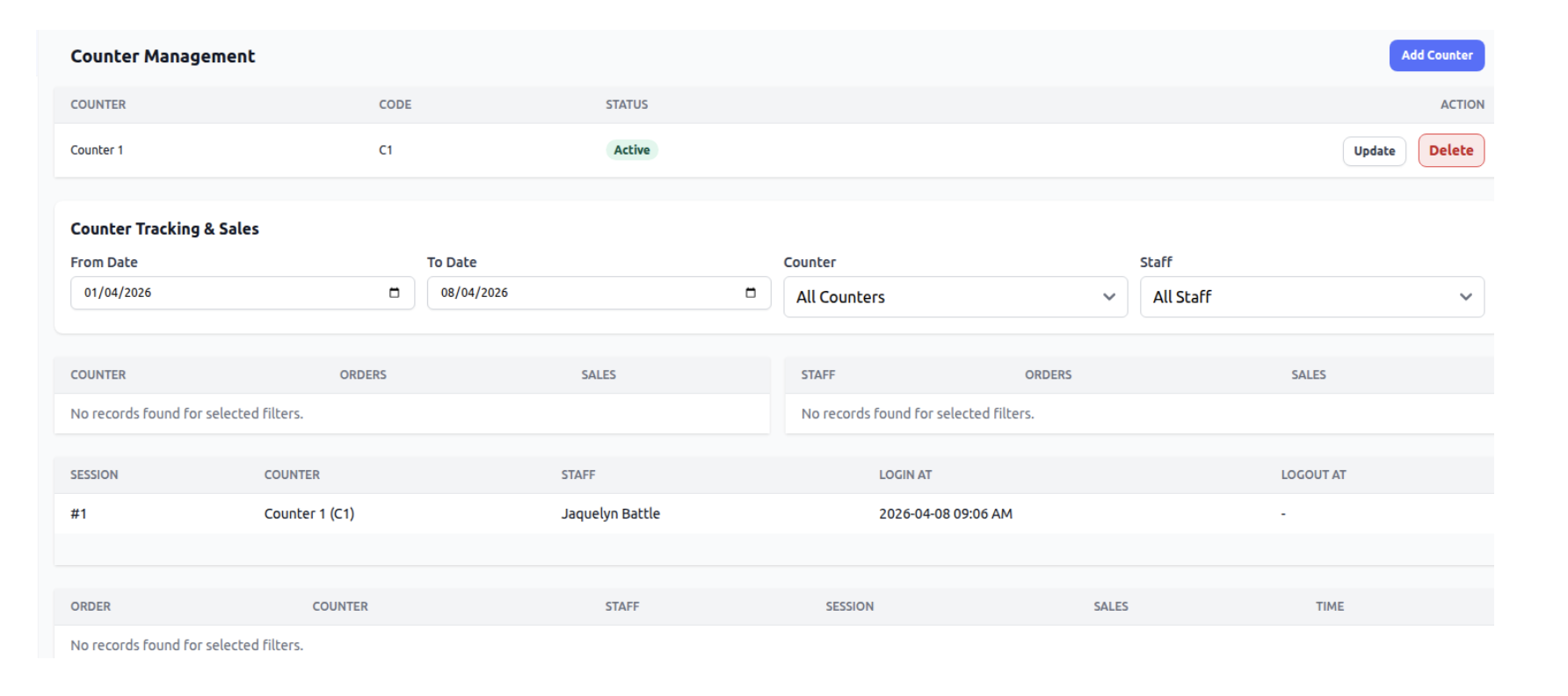
Was this article helpful?
That’s Great!
Thank you for your feedback
Sorry! We couldn't be helpful
Thank you for your feedback
Feedback sent
We appreciate your effort and will try to fix the article