Inventory Items
View list of all items available in inventory.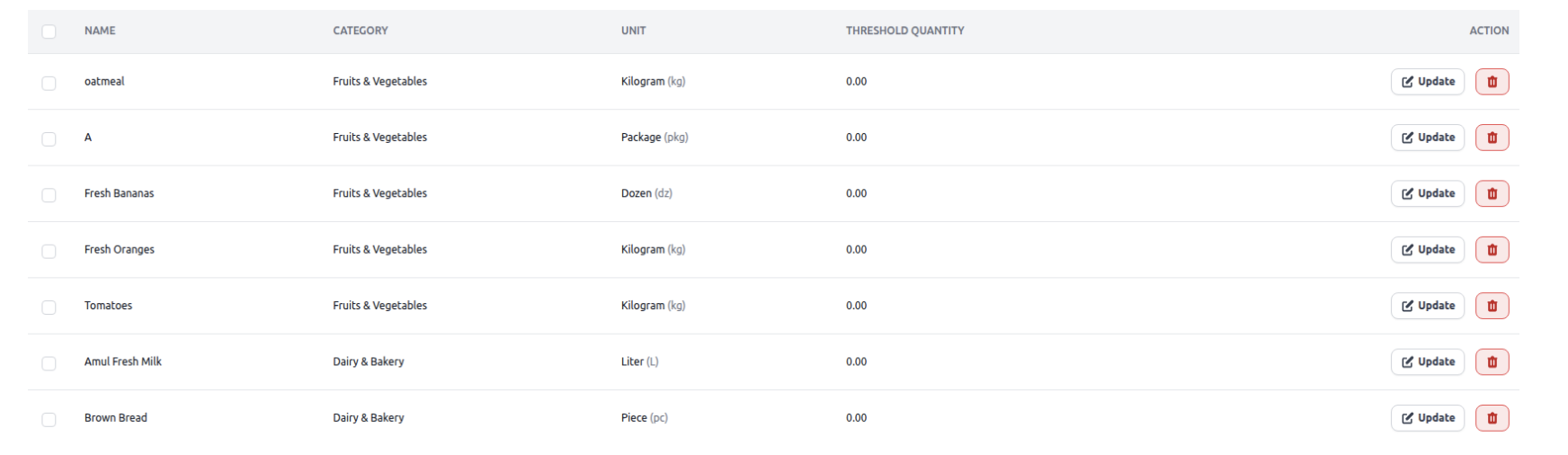
Inventory Stock
Manage stock levels for all products, including updates and adjustments.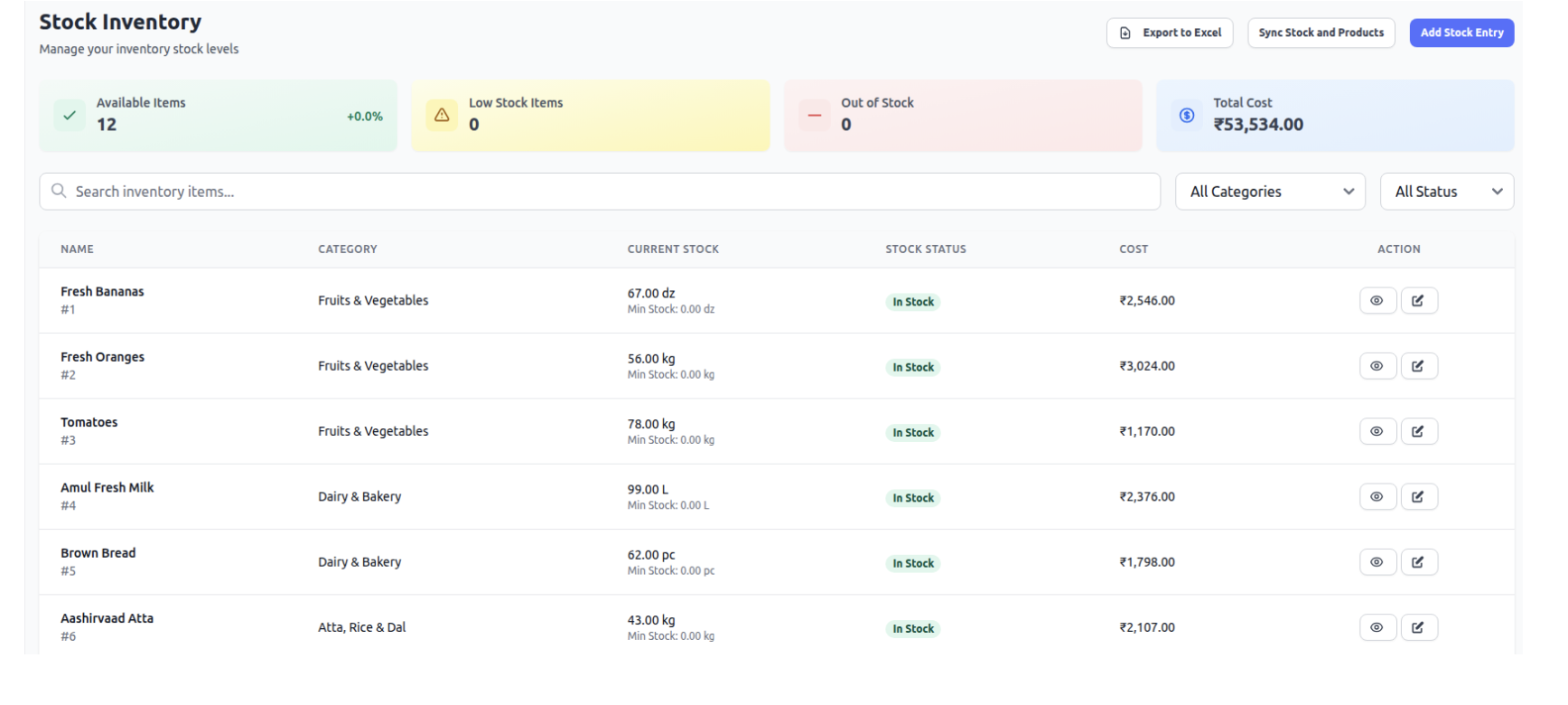
Inventory Movement
Track stock in, stock out, and wastage.
Batches
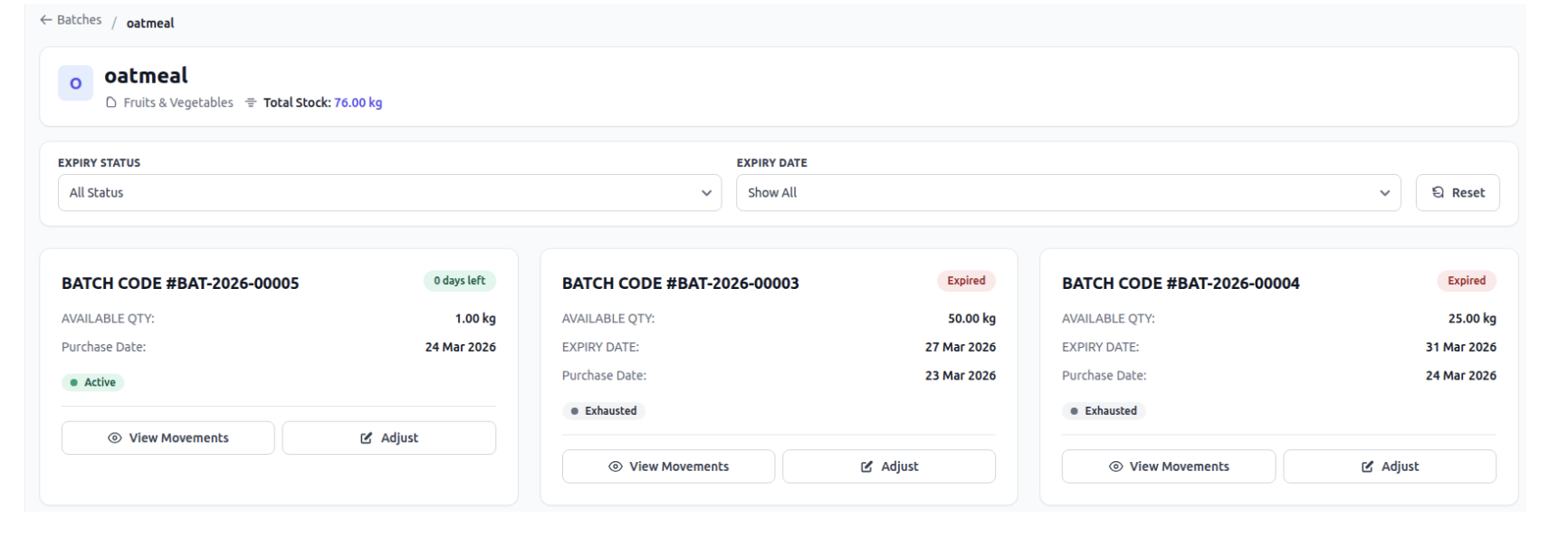
Manage product batches based on expiry dates for better tracking and control.
How Batches Work ?
Each batch represents a specific quantity of a product with a defined expiry.
All items with the same expiry date are stored in one batch.
How Batches are Created
Batches are automatically created during stock entry:
● While creating a Purchase Order → Bill, when stock is added
● During manual stock in entry
Required Details
While adding stock, you must provide:
● Quantity of items
● Expiry date
System will:
● Group that quantity into a batch
● Create a new batch if expiry is different
● Add to existing batch if expiry matches
Why It Matters
● Helps track expiry-wise stock
● Enables better inventory control
● Reduces wastage and expired product sales
Was this article helpful?
That’s Great!
Thank you for your feedback
Sorry! We couldn't be helpful
Thank you for your feedback
Feedback sent
We appreciate your effort and will try to fix the article