User / Admin can sign up from the signup page. After account creation, login from login page.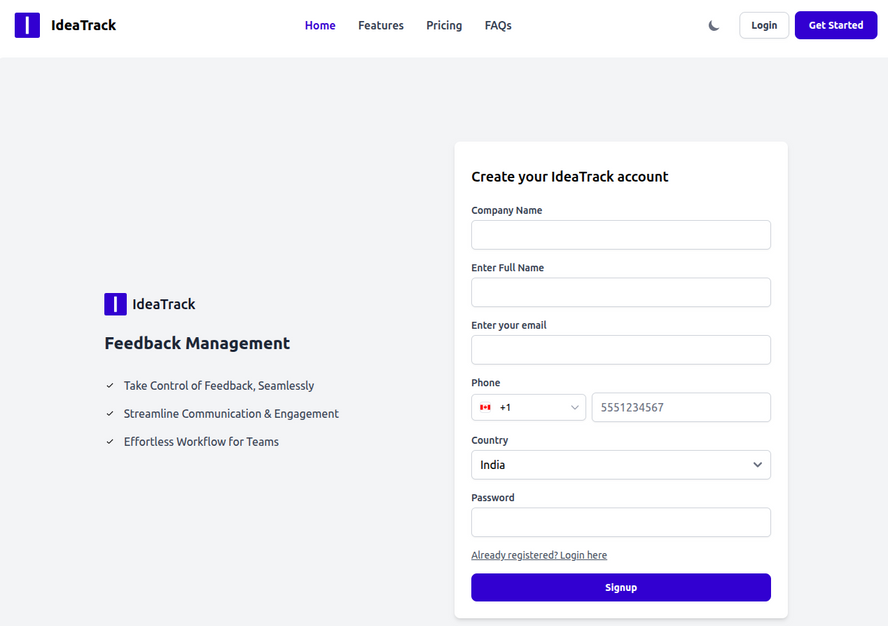
Then the user will be redirected to create their first product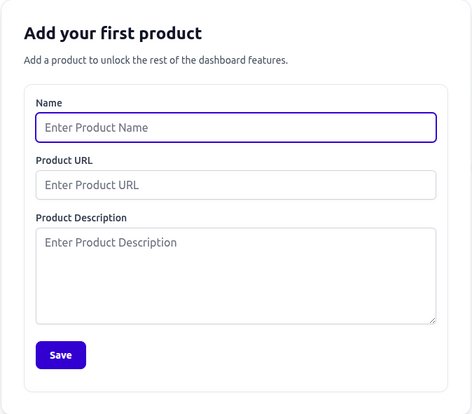
After creating the product, the user will land on dashboard.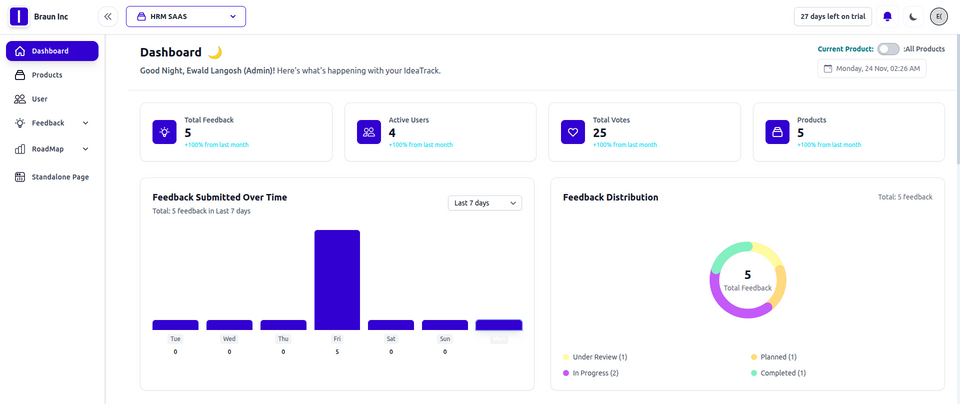
The Ideatrack dashboard gives a quick overview of total feedback, active users, and overall engagement across your products. It shows recent feedback trends, how feedback is distributed across different statuses, and provides an instant snapshot of user activity. You can also access quick actions to add feedback or manage your roadmap, making it easy to track insights and maintain a smooth feedback flow.
Was this article helpful?
That’s Great!
Thank you for your feedback
Sorry! We couldn't be helpful
Thank you for your feedback
Feedback sent
We appreciate your effort and will try to fix the article