Overview
Operational Shifts let you define business day boundaries. The system uses these shifts instead of calendar days when calculating orders, dashboard stats, and reports.
Where to Find
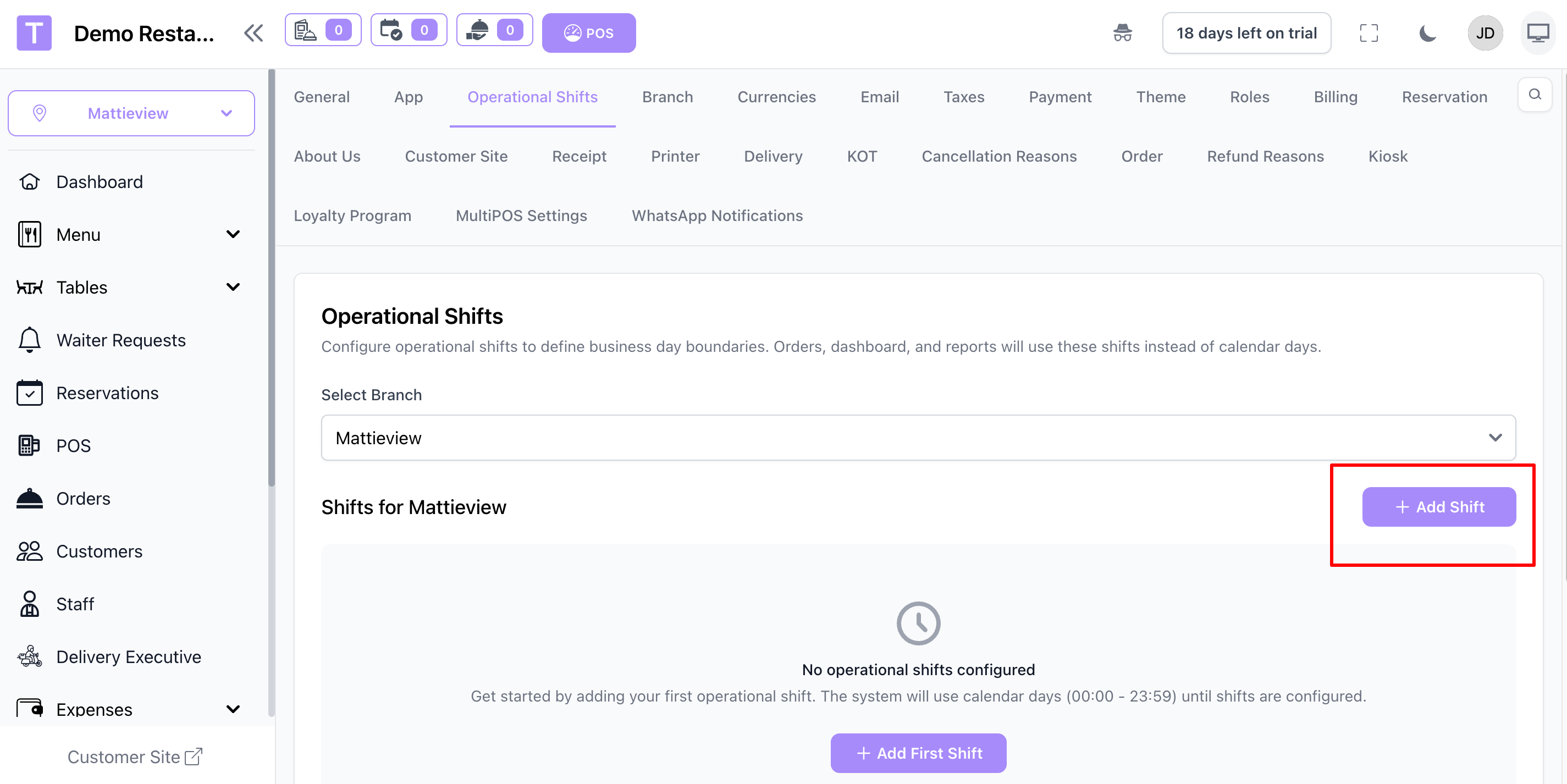
Go to Settings -> Operational Shifts in the admin panel.
If you manage multiple branches, select the branch first.
Add or Edit a Shift
- Click Add Shift (or edit an existing one).
- Set Active to enable or disable the shift.
- Enter an optional Shift Name (e.g., Morning Shift).
- Choose Start Time and End Time.
- Select applicable Days of Week.
- Save to apply changes.
Overnight Shifts
If the end time is earlier than the start time (e.g., 18:00 to 02:00), the shift spans to the next day. Orders placed during this shift belong to the calendar day the shift started on.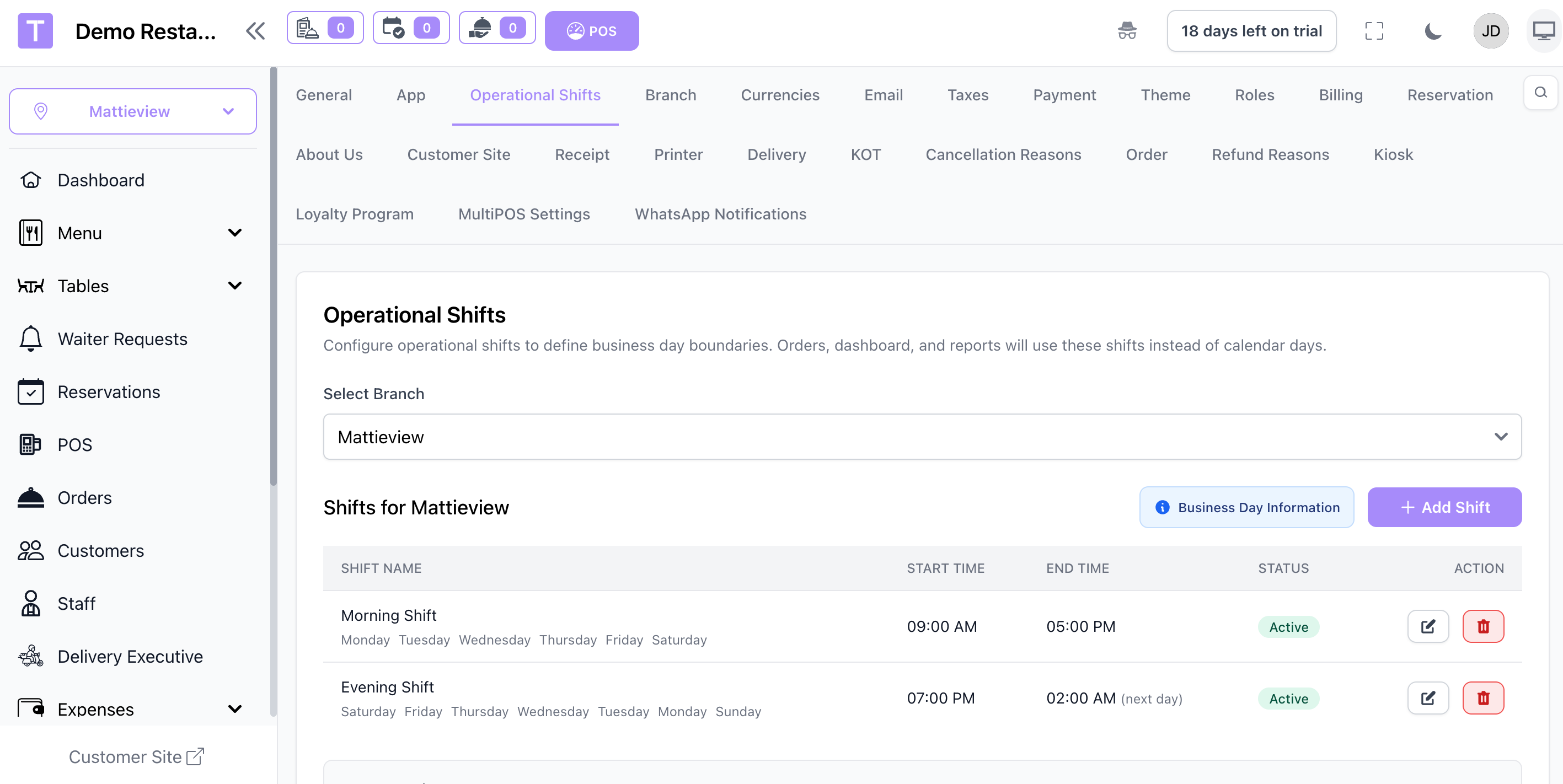
Business Day Behavior
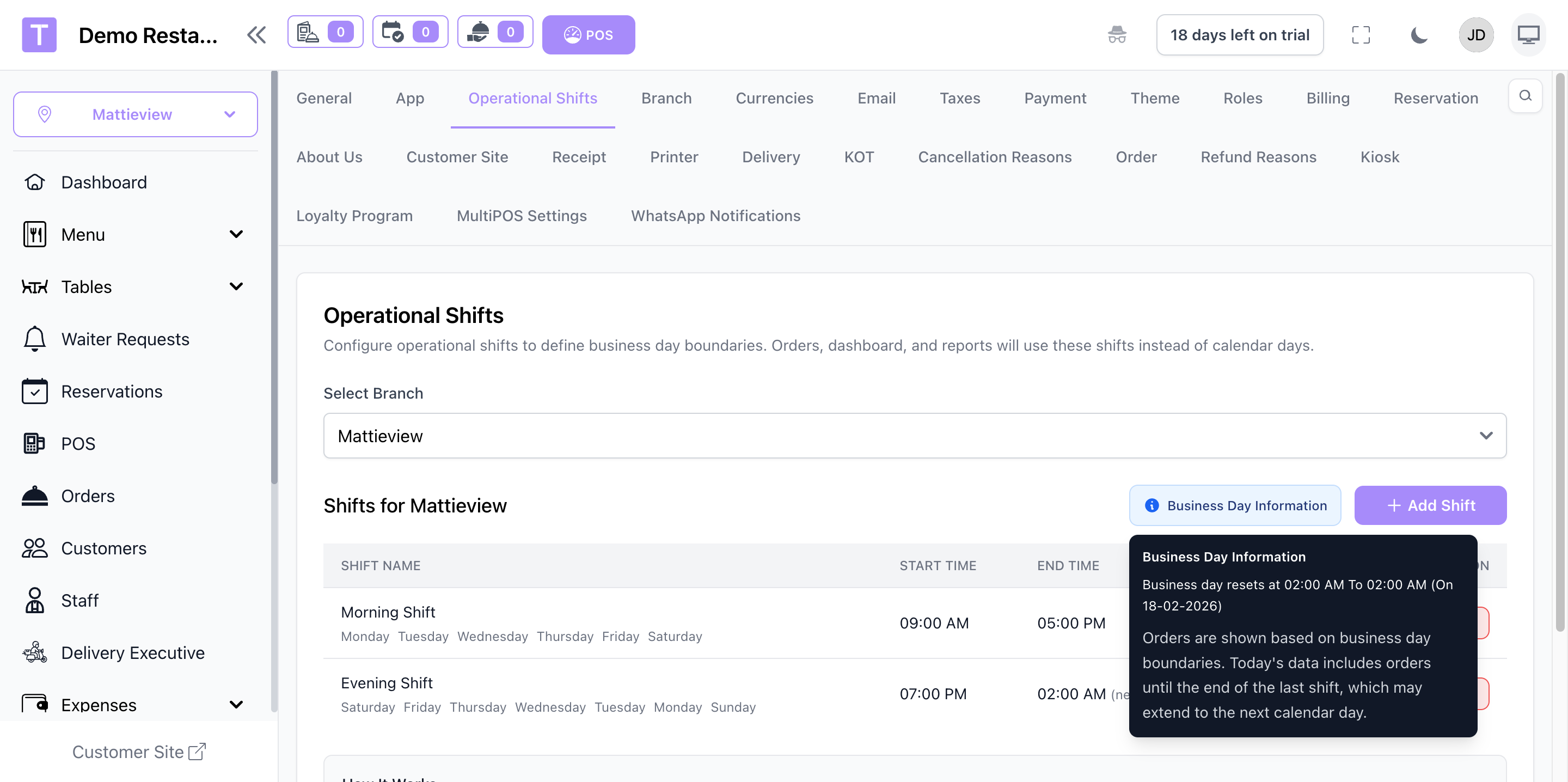
- Business day resets at the previous day's last shift end time (if it extends into today) or at midnight.
- If no shifts are configured, the system uses calendar days (00:00 - 23:59).
Where It's Used
- Orders list and dashboard metrics follow business day boundaries.
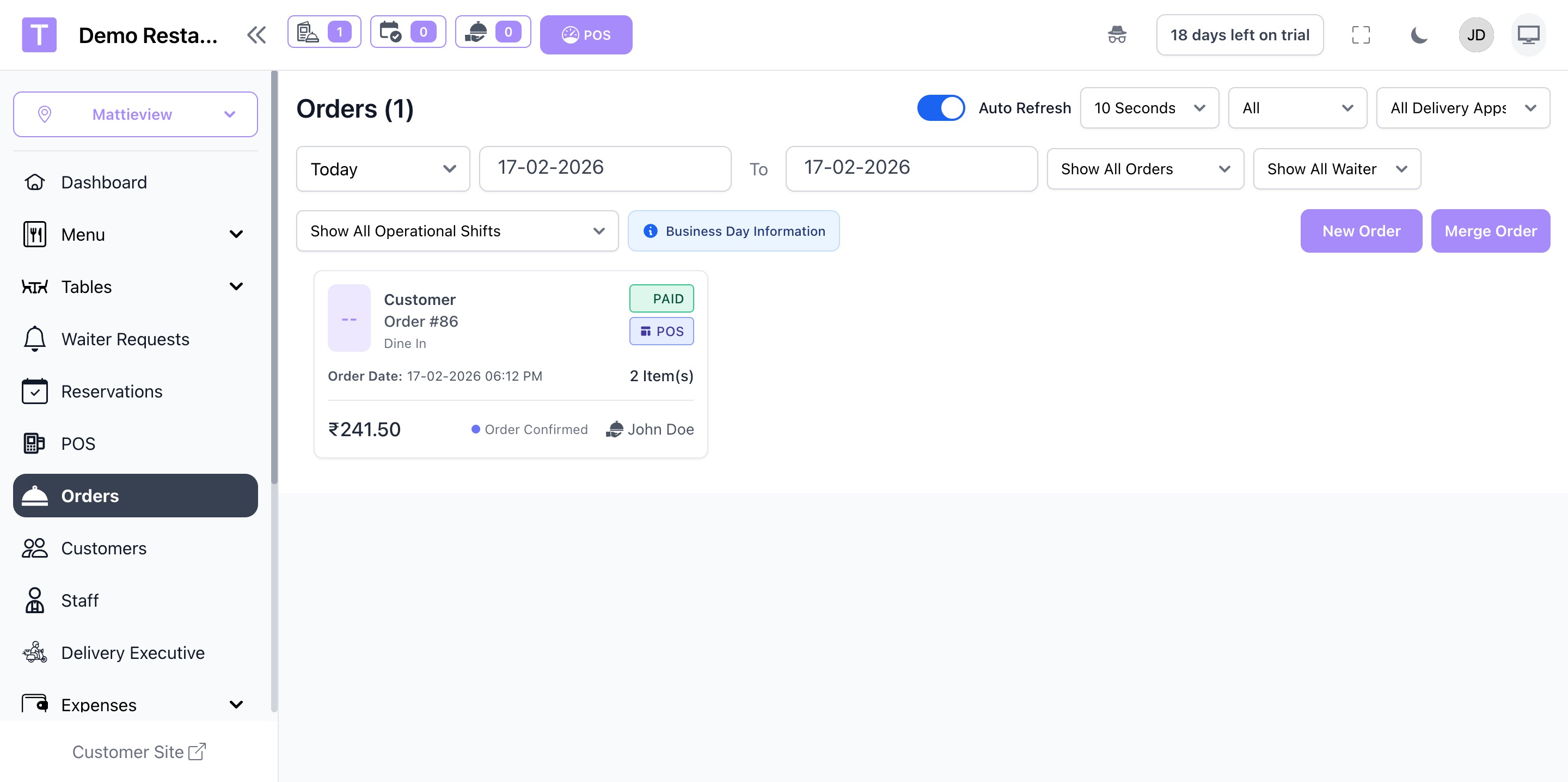
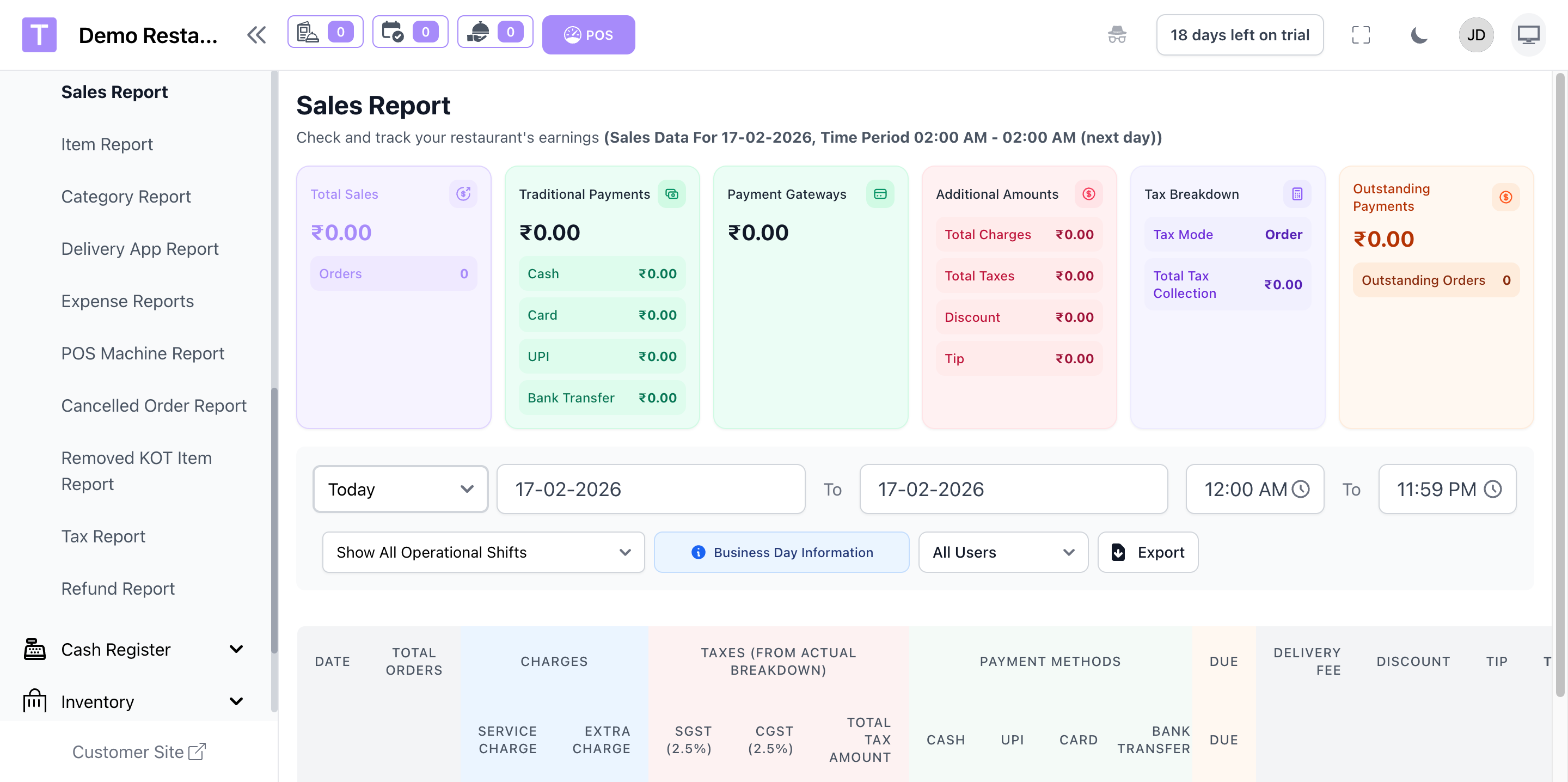
- Sales reports can filter by operational shift (available for today's date only).
Was this article helpful?
That’s Great!
Thank you for your feedback
Sorry! We couldn't be helpful
Thank you for your feedback
Feedback sent
We appreciate your effort and will try to fix the article