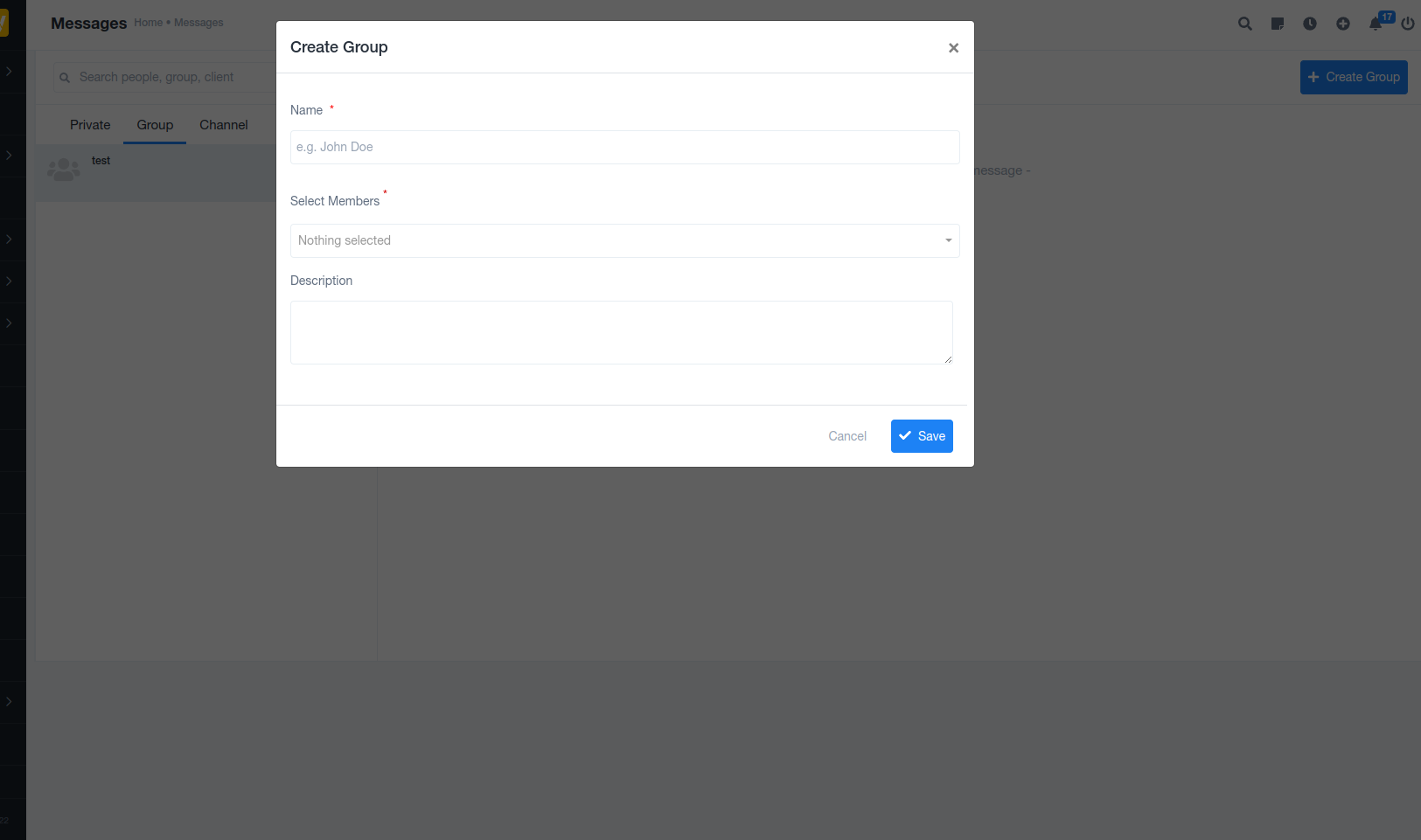
 The Group Messaging Module is designed to make internal communication simple, organized, and efficient. Whether teams are working on projects, discussing tasks, or sharing quick updates, this module brings everyone together in one seamless conversation space.
? Clean & Focused Interface
The messaging screen is built with clarity in mind:
A search bar to quickly find people, groups, or clients
Dedicated tabs for Private, Group, and Channel conversations
A distraction-free chat area that keeps the focus on conversations
This ensures users can jump straight into communication without confusion.
? Group Conversations Made Easy
With group messaging, teams can:
Create dedicated group chats for projects or departments
Share updates with multiple members at once
Avoid scattered communication across emails or external tools
Everything stays centralized, searchable, and accessible.
➕ Start Conversations Instantly
The “New Conversation” button allows users to:
Start a private chat
Create a group discussion
Set up channels for ongoing team communication
No complex setup—just click and start talking.
? Organized by Conversation Type
Messages are neatly categorized into:
Private – One-to-one conversations
Group – Team or project-based chats
Channel – Structured discussions for broader communication
This structure keeps conversations organized and easy to manage, even as teams grow.
? Why This Module Matters
Improves team collaboration
Reduces dependency on third-party chat tools
Keeps all work-related communication inside your system
Saves time by making discussions fast and searchable
✅ Perfect For
Project teams
Remote and hybrid work environments
Internal announcements and discussions
Client or department-level communication
Was this article helpful?
That’s Great!
Thank you for your feedback
Sorry! We couldn't be helpful
Thank you for your feedback
Feedback sent
We appreciate your effort and will try to fix the article